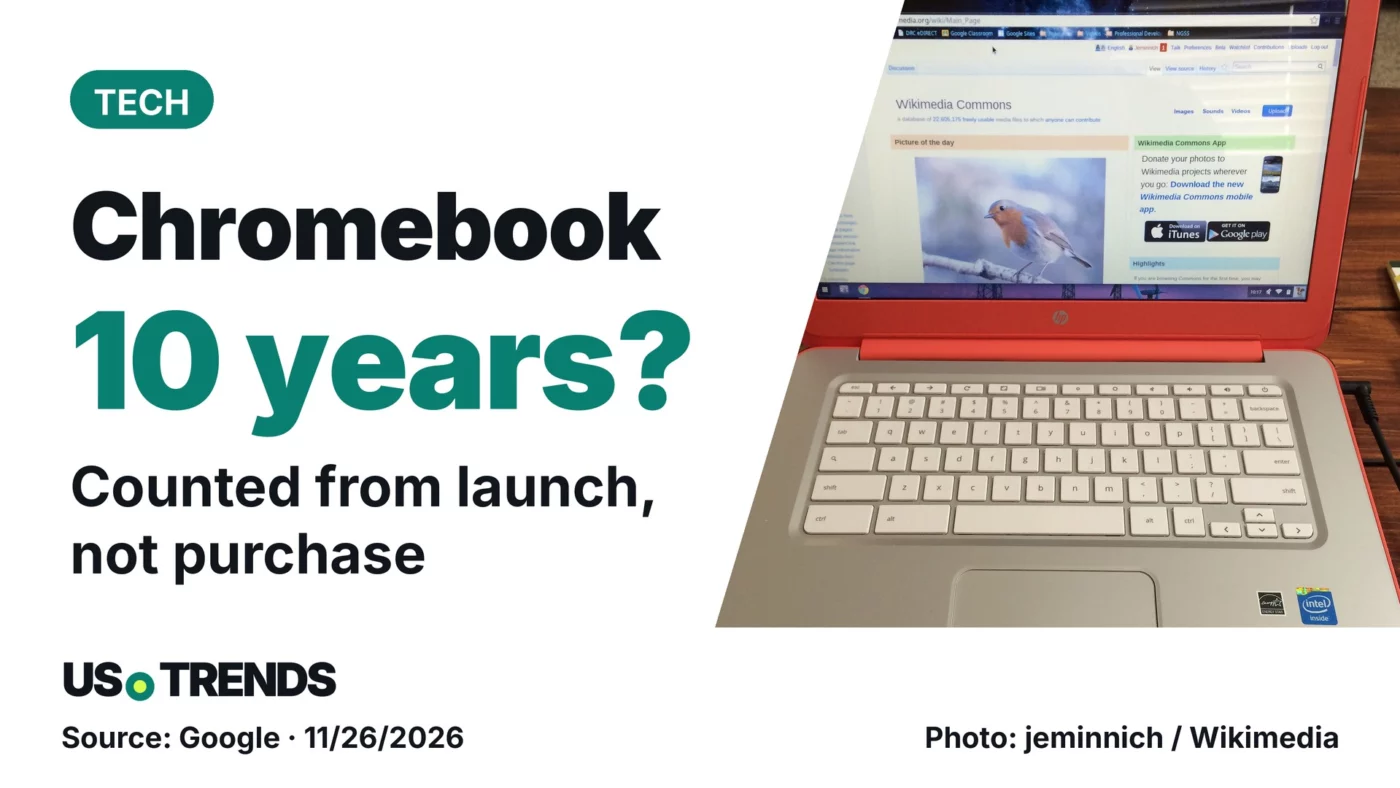
Before you grab a Black Friday deal, check the exact model: a new Chromebook may already have used up part of its update time.
Key points
- Google counts the 10 years of updates from the launch of the device platform, not from the day you buy.
- The exact end date is in Google’s model list and in the device under “Update schedule”.
- On some older models, extended updates remove Android apps and the Play Store.
- Google says ChromeOS devices will keep getting updates through mid-2034.
Google says Chromebooks get 10 years of updates, counted from the platform launch. If you are shopping on Black Friday, look up the end date for the exact model first.
Black Friday is November 27, the day after Thanksgiving. A low price says nothing about how long a laptop will keep getting security updates. This guide explains the existing rule; nothing new has been announced.
Ten years from platform launch, not from your receipt
Under Google’s automatic update policy, the clock starts when the platform is released. That means the technical base of the device, such as the processor and wireless chip. The date on your receipt does not matter.
A model that has been on sale for a while therefore has less time left than a new one. Ask for the full model name before you buy and look up its end date. Google announced the extension on September 14, 2023; it applies automatically to devices from 2021, and eligible older models have a separate route.
The end date is in the list and on the device
In the official model list, find the manufacturer first, then the exact model code. Similar names do not prove the same entry applies. If a store listing is incomplete, ask the seller to fill it in.
If you already own a Chromebook, open Settings, choose “About ChromeOS,” then “Additional details” and “Update schedule,” as Google’s guide describes. Buying used? Ask the seller for a photo of that screen. The manufacturer sets the “end of sale” date, which is separate from updates.
Googlebook: what Google says about mid-2034
A Google help page on the Googlebook announcement (last updated September 23, 2026) says ChromeOS devices will keep getting regular updates and security patches through mid-2034. Many newer Chromebooks may be able to move to Googlebook OS, with details still to come.
The model list gives later dates for some devices, and Google has not explained how the two fit together. Check your model’s date directly with Google rather than relying on one round number.
On older models, the asterisk matters
An asterisk next to a date marks devices where the final years only run if you turn on extended updates. This mainly affects eligible models from before 2021.
There is a price. According to Google’s page on extended updates, Android apps and the Google Play Store are removed, along with the Android data, and the change cannot be reversed. If you rely on Android apps, sort that out first.
Why schools plan around the end date
The education technology group CoSN advises schools to plan device life cycles around support limits in its 2023 report on one-to-one device programs. It deals with school fleets, not household budgets. The idea carries over: decide early when you will replace the laptop.
How to check before you order
Is the remaining update time clear?
- Note the full model code
Write down the manufacturer and model code from the listing; ask the seller if anything is missing.
- Look up the end date
Find the entry in Google's official list of automatic update dates.
- Check for an asterisk
Find out whether Android apps you need would be removed under extended updates.
- Match it to your plans
Decide whether the remaining support fits how long you plan to use the laptop.
If the update period is unclear, settle it before you order. The same goes for used laptops.
Frequently asked questions
Do the ten years start on the day I buy?
No. Google ties the period to the platform launch. What counts is the end date of the exact model.
Where do I find the update end date?
In Google’s official model list, and on the device under Settings, “About ChromeOS,” “Additional details,” “Update schedule.”
Do Android apps stay with extended updates?
No. On the extended route for older devices, Android apps, the Play Store and the related data are removed.
Your view: When you buy a laptop, what do you check first: price, performance or update time? Tell us in the comments.
Sources and date
- Google: Auto Update policy (support page, accessed November 26, 2026)
- Google: Chromebook update schedule (support page, accessed November 26, 2026)
- Google: Extended updates (support page, accessed November 26, 2026)
- Google: What the Googlebook announcement means for your ChromeOS devices (support page, updated September 23, 2026)
- Google: Chromebooks will get 10 years of automatic updates (company announcement, September 14, 2023)
- CoSN: Navigating Student Device One-to-One Sustainability (report, 2023)
As of: November 26, 2026
Transparency note: AI-assisted tools were used in researching, structuring and writing this article. The sources used are listed in the article. Publication takes place only after manual editorial approval.
Share this article
Read next
Your curiosity
Our next story
Bring your ideas for AI and digital media
Discover open positions Research
 ▶ Reel