Rewiring a TV, projector or console before Black Friday? With an active HDMI cable, the source and display ends are not interchangeable.
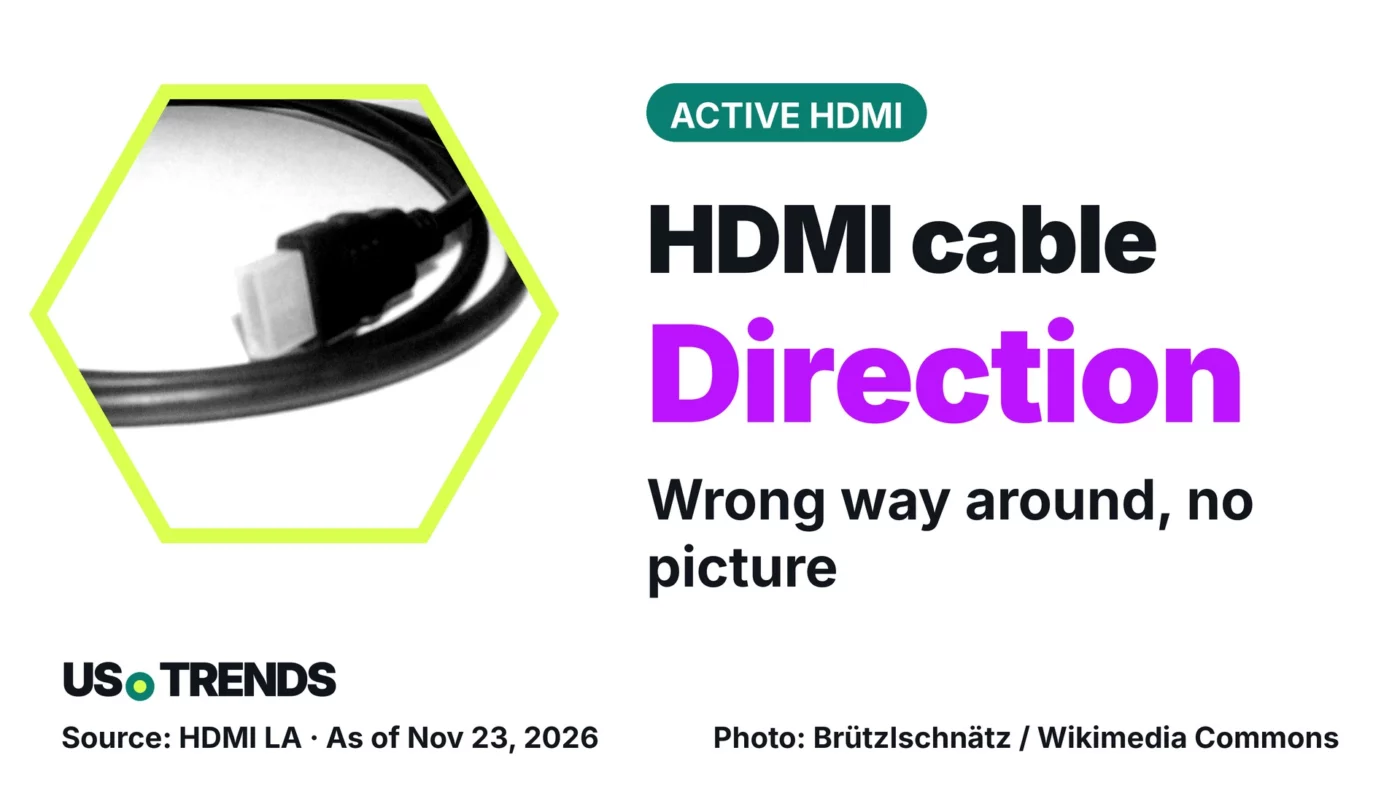
Active HDMI cables only work in one direction. If the source and display ends are swapped, the connection will not work, according to the HDMI Licensing Administrator.
Anyone buying a new cable for a TV, games console or projector in the Black Friday sales should check the markings before running it behind furniture. On an active cable, identical-looking plugs do not mean the ends are interchangeable. The HDMI licensing body says plugging the cable in backwards causes no damage. You simply get no picture.
Active HDMI cables have a fixed direction
A manufacturer explainer from Club 3D describes the difference in terms of the built-in electronics. In an active optical HDMI cable, a chip in the source plug converts the digital signal into light. At the other end, it is converted back. The two ends therefore do different jobs.
“Source” means the device sending the signal, such as a streaming box or console. “Display”, “Destination” or “Sink” refers to the receiving end. Check both plugs and the instructions to see which labels your cable uses. A plug that physically fits is no proof that it is facing the right way.
So test the setup while both ends of the cable are still easy to reach. Turning the cable around later behind an entertainment center or inside a cable raceway takes time. A black screen on its own does not prove the cable is faulty, though.
Power supply is a second condition
HDMI Cable Power is a separate feature that lets active cables draw power from the HDMI connector. It only works if both the cable and the sending device support it. Not every HDMI port will power an active cable.
For sources without Cable Power, such cables come with a separate power connector, usually Micro-USB or USB-C, according to the HDMI licensing body. Check the power option the cable maker specifies as well as the direction. Not every active HDMI cable needs external power, however.
Check the labels first, then run the cable
Read the instructions before connecting and match each end to its device. Test the planned setup in place before fixing the cable permanently. If there is still no picture, check the direction and the power supply before ordering a replacement.
Your view: Which plug markings helped you when connecting your devices? Tell us about your experience in the comments.
Sources and date
- HDMI Licensing Administrator: HDMI Cable Power (technical explainer, undated; accessed November 23, 2026)
- Club 3D: Uni and Bi Directional (manufacturer explainer, undated; accessed November 23, 2026)
As of: 23.11.2026
Transparency note: AI-assisted tools were used in researching, structuring and writing this article. The sources used are listed in the article. Publication takes place only after manual editorial approval.
Share this article