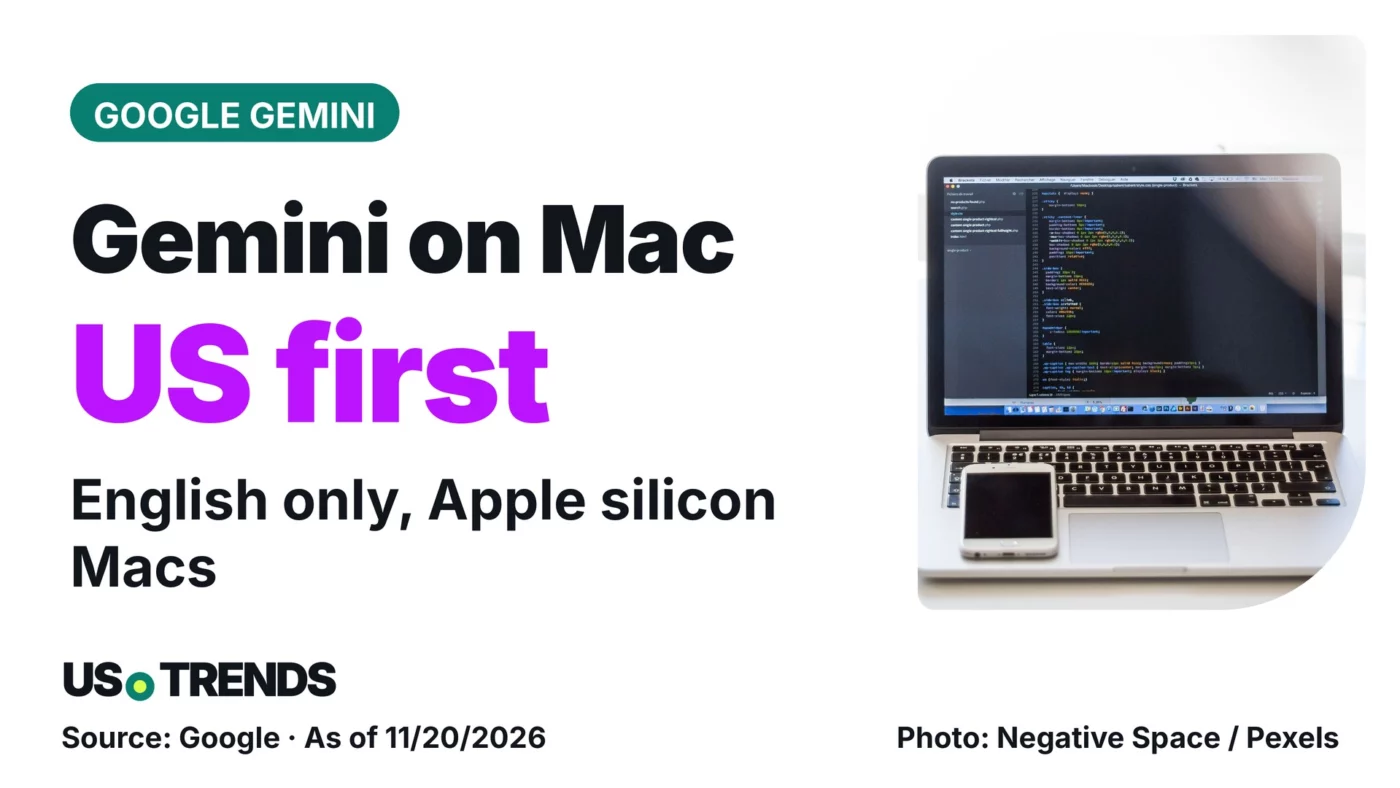
Google’s Gemini app for Mac now operates apps in a background window – the rollout starts in English in the US.
Google has added computer use to the Gemini app for Mac: the AI clicks and types in apps and on websites while your own screen stays free. The feature is rolling out in English in the US first.
According to Google, you describe a task and Gemini handles the clicking, typing, menus and forms. The company announced the feature on November 19, 2026, in a blog post.
What Gemini can take over on a Mac
Gemini works in an isolated background window, and a live preview appears in the chat. Your main screen and cursor stay free, so you can keep working. Tasks can span local files, desktop apps and the web.
Google’s examples include batch color-grading photos in design software, pulling weights, dimensions and addresses from local PDFs into shipping quote forms, and turning dashboard metrics into a Google Slides deck.
Requirements: Apple silicon and macOS Sequoia 15
Computer use requires a Mac with Apple silicon running macOS Sequoia 15.0 or later, Google says. It is available for personal Google accounts of users 18 and older and to Google AI Plus, Pro and Ultra subscribers. The Mac app is available at gemini.google/mac.
Controls and what Google leaves open
Google says you choose which apps Gemini can access, can watch every step live, pause at any time and approve key actions before they happen. The announcement does not say what data is stored or for how long.
If you want to try it, check that your Mac meets the requirements and grant Gemini access only to the apps a task really needs. You can review app permissions at any time under Privacy & Security in System Settings.
Your view: Would you let an AI operate apps on your Mac on your behalf, and for which tasks? Share your experience in the comments.
Sources and date
- Google (Michael Friedman, Group Product Manager, Gemini App): Let Gemini tackle repetitive chores on your Mac (blog post, November 19, 2026)
As of: 11/20/2026
Transparency note: AI-assisted tools were used in researching, structuring and writing this article. The sources used are listed in the article. Publication takes place only after manual editorial approval.
Share this article
Comment Tell us what you think →