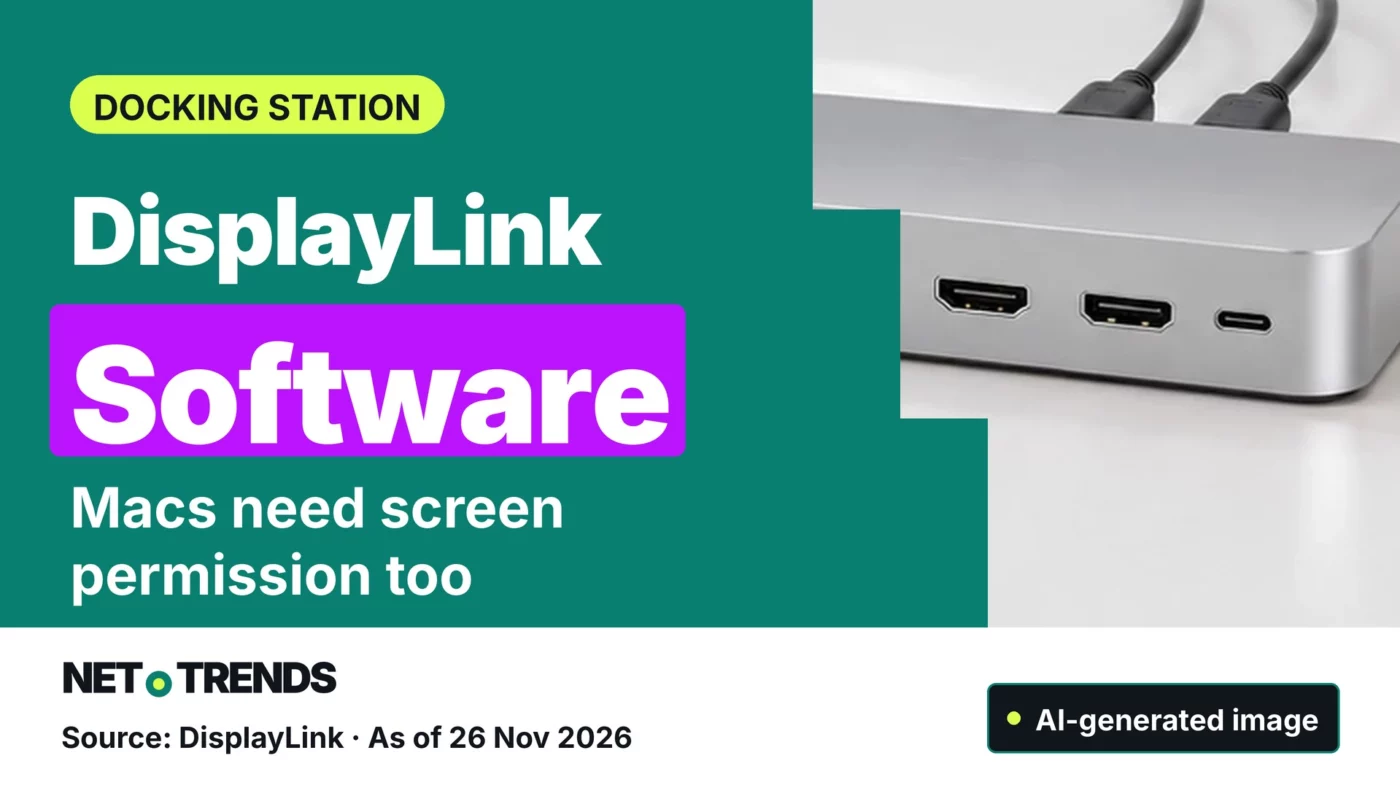
Adding monitors to a laptop? Check the driver and the Mac permissions before you plug anything in.
A DisplayLink docking station only works with the right software. On a Mac, that software also needs permission to read what is on your screen.
That is what DisplayLink’s first-time setup guide describes. If you are upgrading your desk around Black Friday on 27 November, find out first which technology your dock uses. The sales event is only the occasion; the software requirement is not new.
DisplayLink docks: no software, no picture
DisplayLink sends the picture to the dock over USB. The company calls DisplayLink Manager a necessary application for its products on the Mac, so a connected cable alone will not do the job.
Dell also offers its own DisplayLink dock driver, covering the Universal Docks D6000, D6000S and UD22, among others. Check that the release matches your exact dock and operating system. These models are examples, not buying advice.
The connector will not tell you what graphics technology is inside. The manufacturer’s product documentation will say whether a dock uses DisplayLink.
On a Mac, screen access has to be allowed
Depending on your version of macOS, the setting is called “Screen Recording” or “Screen & System Audio Recording”. It lets the app read the pixels for mirrored or extended displays and pass them on over USB. According to DisplayLink, no screen data is sent back to DisplayLink or Synaptics.
Dock maker Plugable lists a missing screen recording permission as a common cause of black screens even when the software is installed. It is one thing to check, not an explanation for every display fault. If the dock or the connection is the problem, the permission will not fix it.
Identify the dock first, then grant access
Follow the dock maker’s instructions for your system. DisplayLink’s setup assistant first detects the connected device, then walks you through the permissions it needs.
How to prepare the display output
- Identify the graphics technology
Check the product documents to see whether the dock uses DisplayLink and supports your operating system.
- Install the right software
Use the official download page from the dock maker or from DisplayLink.
- Allow screen access on the Mac
Grant the permission to DisplayLink Manager specifically, then restart the app.
The company says the app has to be restarted after you grant screen access. Only then is it worth checking whether the display works. If it stays dark, follow the troubleshooting advice for that particular dock.
Your view: Which setup step did you miss with your docking station? Tell us about your experience in the comments.
Sources and date
- DisplayLink: First-time configuration and Screen recording permission on macOS (manufacturer guides, no visible publication date; accessed 26 November 2026).
- Dell: DisplayLink Dock Driver (driver information, accessed 26 November 2026).
- Plugable: DisplayLink and Screen Recording Troubleshooting (manufacturer help page, updated 28 October 2026).
As of: 26 November 2026
Transparency note: AI-assisted tools were used in researching, structuring and writing this article. The sources used are listed in the article. Publication takes place only after manual editorial approval.
Share this article
Read next

Your curiosity
Our next story
Bring your ideas for AI and digital media
Discover open positions Research
 ▶ Reel