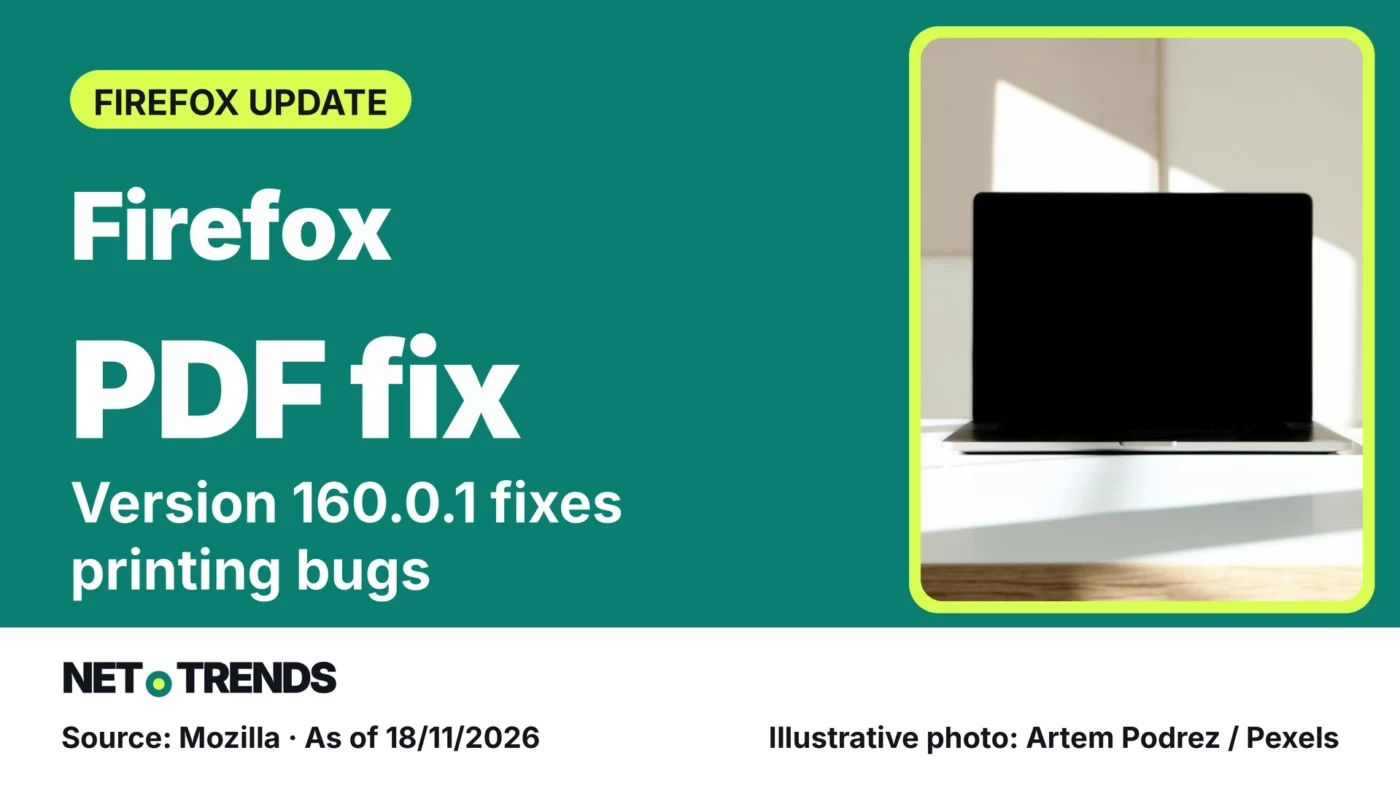
Mozilla fixes a Windows printing fault and blank graphics on some Macs, and closes two security flaws rated high.
Mozilla released Firefox 160.0.1 on 17 November 2026. The update fixes faulty PDF printouts, graphics glitches and tabs crashing on some websites.
According to the release notes, the fix is aimed at the standard desktop version. If PDFs look wrong in Firefox or print incorrectly, it is worth checking which version is installed.
Three graphics bugs, depending on the system
On Windows, thin lines in PDF documents could print as thick black boxes on some printers. On Macs with AMD graphics, PDFs, web page graphics and WebGL content could appear blank or broken; Mozilla cites black cells in Google Sheets as an example.
On some Linux systems using Wayland, WebGL and canvas content showed the wrong colours, for example in games or Google Meet backgrounds. The update also stops tabs crashing on some sites, most notably ChatGPT, and fixes links that took a very long time to load.
Two security flaws rated high
Mozilla’s security advisory 2026-130, published on 17 November 2026, lists two vulnerabilities with a high impact rating. One affects the Canvas/WebGL graphics component on Android, the other audio and video playback. Mozilla lists Firefox 160.0.1 as the fixed version for both.
The UK’s National Cyber Security Centre (NCSC) advises applying app and software updates as soon as they are available and switching on automatic updates where possible. That is general guidance, not an assessment of this particular release.
The update needs a restart
For copies installed directly from Mozilla, open the menu, choose Help and then About Firefox; on a Mac, use the Firefox menu in the menu bar. According to Mozilla’s guide, Firefox then downloads the new version, which takes effect after a restart.
If Firefox was installed from the Microsoft Store, the update arrives through the Store. On Linux, the distribution’s package manager delivers it, sometimes with a delay.
Your view: Have you had problems viewing or printing PDFs in Firefox recently? Share your experience in the comments.
Sources and date
- Mozilla: Firefox 160.0.1 Release Notes (release notes, 17/11/2026)
- Mozilla: Security Advisory 2026-130 (security advisory, 17/11/2026)
- Mozilla: Update Firefox to the latest release (support article, accessed 18/11/2026)
- National Cyber Security Centre: Install the latest software and app updates (guidance, accessed 18/11/2026)
As of: 18/11/2026
Transparency note: AI-assisted tools were used in researching, structuring and writing this article. The sources used are listed in the article. Publication takes place only after manual editorial approval.
Share this article

Comment Tell us what you think →