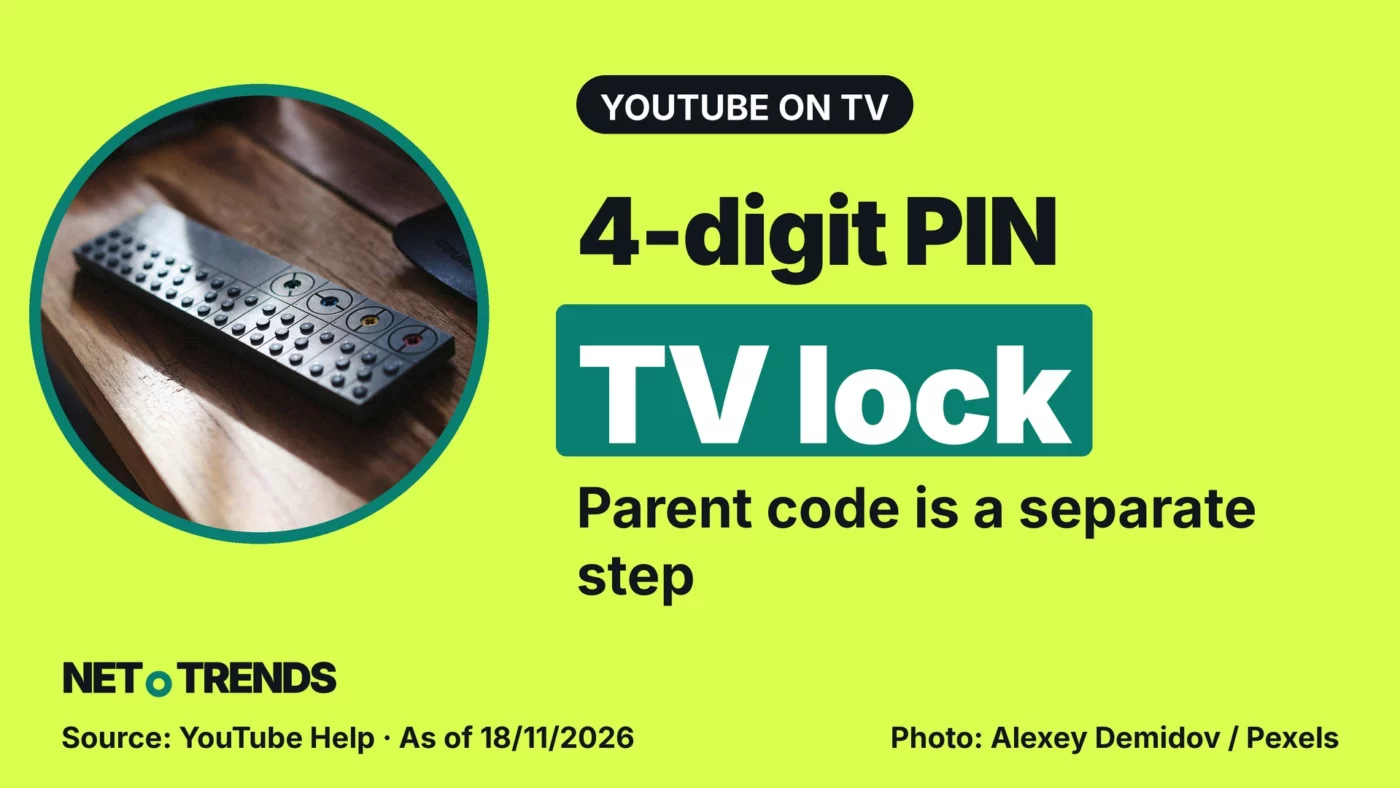
Setting up a new TV after Black Friday? YouTube’s account lock and parent code guard different doors on a shared screen.
YouTube’s account lock protects a profile on the TV with a four-digit code. For families, the key point is that watching without signing in is controlled by a separate parent code.
Anyone in the UK setting up a new television around Black Friday on 27 November should check both settings one by one. The account lock is a feature of the YouTube app and has nothing to do with any retailer’s sale.
The account lock applies to one device only
According to YouTube’s help page on the account lock, you open your account in the left-hand menu of the TV app, select Settings below it and follow the prompts. The four-digit code is set for that specific device. It does not replace your Google account password.
YouTube says the feature is being rolled out to most smart TVs, streaming devices and games consoles globally. That is not a promise for every model.
The parent code blocks signed-out viewing
YouTube’s guide to the TV app describes a second barrier. The parent code is required to watch as a signed-out viewer, to open accounts of older household members and to remove accounts from the TV. It is set up under Settings in the “Parent code” tab, and it does not affect other signed-in devices.
In practice, check both the personal profile and the signed-out route on the TV. Locking your own profile does not on its own secure both.
Internet Matters: settings work best with supervision
The UK online safety charity Internet Matters recommends a supervised account linked to a parent’s Google account, Restricted Mode and turning off autoplay. It also suggests reviewing a child’s viewing history as a way to start conversations about the creators they like.
A code is one building block, not supervision. Deciding what suits a child remains a job for parents.
Your view: Which setting was harder to find on your TV: the account lock or the parent code? Share your experience in the comments.
Sources and date
- YouTube: Manage your account and privacy on the YouTube app for TV (help page, undated; accessed 18 November 2026)
- YouTube: Explore the YouTube app on your TV (help page, undated; accessed 18 November 2026)
- Internet Matters: YouTube parental controls (step-by-step guide, undated; accessed 18 November 2026)
As of: 18 November 2026
Transparency note: AI-assisted tools were used in researching, structuring and writing this article. The sources used are listed in the article. Publication takes place only after manual editorial approval.
Share this article
Comment Tell us what you think →