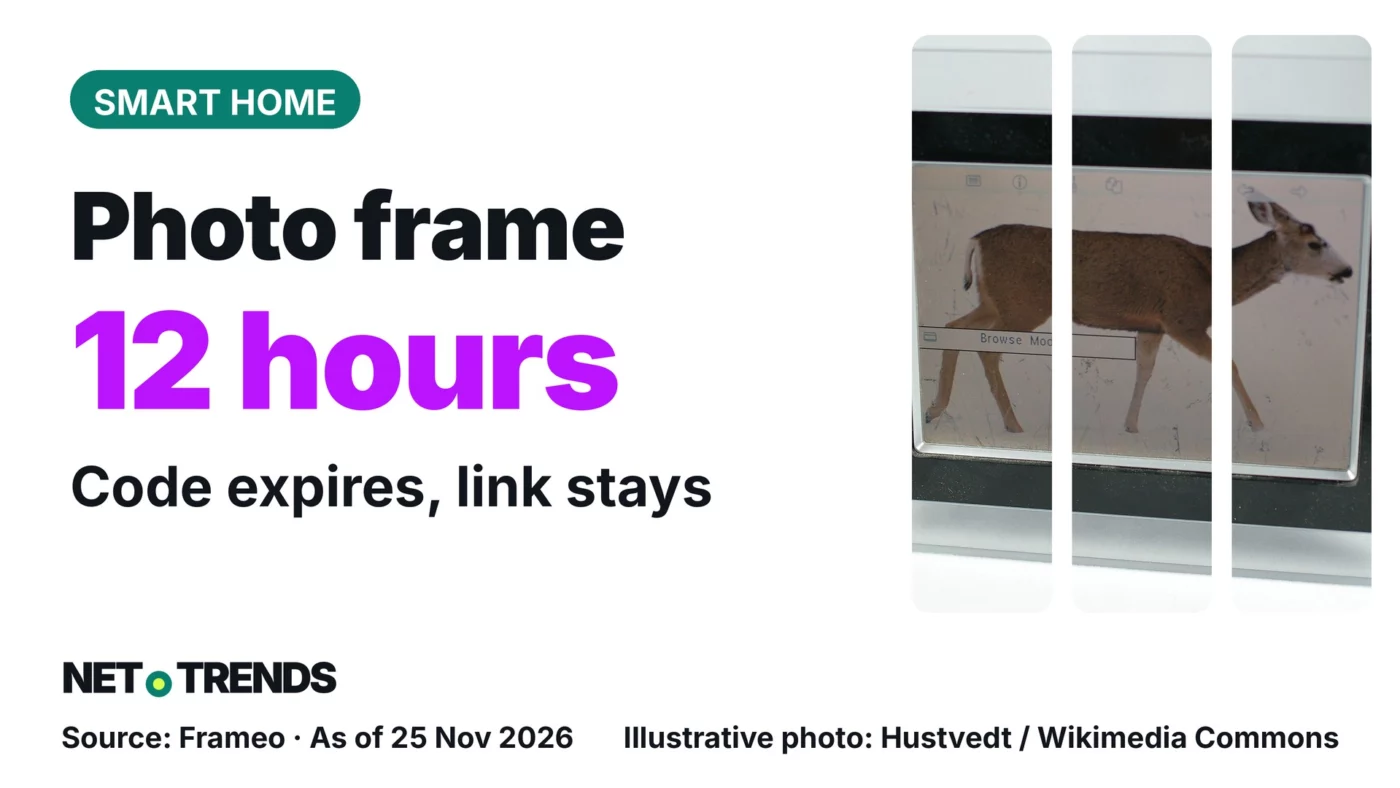
Giving a Frameo frame as a gift? Set up photo sending and management rights separately, and check who is connected before handing it over.
Key points
- A Frameo invitation code works for twelve hours; a phone linked in that time stays connected afterwards.
- Remotely managing saved photos needs an extra permission, according to the manufacturer’s guide.
- Cloud backup and the photos stored on the frame are separate things.
A Frameo digital photo frame is paired using a code that works for 12 hours. According to the maker, a phone that connects in time stays linked to the frame after the code has expired.
With Black Friday and Christmas close, it is worth checking the sharing settings before the frame is wrapped. Frameo’s pairing guide distinguishes between the time-limited invitation and the connection that follows. The 12-hour window limits when a new phone can join, not how long a phone that has already joined can keep sending.
The code is only an invitation
Frameo describes the process like this: you generate a friend code on the frame. The person you invite types it into their app or scans the QR code. If they do so within the window, they can send photos and videos to the frame from anywhere.
The practical rule is simple: share the invitation only with people who really should send pictures. If you set up the frame as a gift, go through the connected phones with the recipient afterwards. An expired code does not show that a connection made during set-up has ended. That applies to the documented Frameo feature; other brands may work differently.
Sending photos is not the same as managing them
The permissions are not interchangeable. According to Frameo’s guide to managing frame photos, an authorised contact with Frameo+ can delete, hide or pin saved photos. The frame itself has to approve the request, and what has been granted can be checked under “Settings → My friends”.
So decide together who just adds new holiday snaps and who looks after the existing collection. A helpful relative does not automatically need every extra right. The feature descriptions come from the manufacturer and are no substitute for an independent security test.
A backup is a separate store of data
In its backup guide, Frameo lists SD card backup and cloud backup with Frameo+. If a phone requests the cloud backup, the frame must confirm it. The company advises keeping the recovery key somewhere safe, because it matters if both phone and frame are lost. Agree who holds it.
Frameo’s privacy policy says content is end-to-end encrypted between the app and the frame. That is the company’s own account, not a general guarantee of security. Resetting the frame deletes the local data, while the account and server-side data follow their own deletion routes. If you pass the device on, check the frame, the account and any backup.
What UK guidance says
No UK statistics on Frameo frames are published. The National Cyber Security Centre (NCSC) advises in Smart devices: using them safely in your home (reviewed 23 February 2024) that you change default passwords during set-up, turn on 2-step verification where offered and switch on automatic updates. It also suggests checking how long a device will be supported and switching off remote access you do not need. Before selling or giving a device away, do a factory reset. All of this applies to a photo frame too.
What is still open before the handover?
- Agree who is in charge
Decide with the recipient who sets up the frame and who helps later if something goes wrong.
- Review the permissions together
Look at the connected phones and decide deliberately about any extra management rights.
- Sort out backup and recovery key
Agree whether a backup is wanted and who keeps the recovery key.
- Leave instructions for later
Note the model, the right help page and the route to the settings for the owner.
Then try the agreed features together. Ask the owner to show a photo and open the contacts list themselves. That shows whether the frame still works day to day without the person who gave it.
Frequently asked questions
Does the phone connection end after twelve hours?
No. After twelve hours the invitation code expires. A connection made in time stays in place, according to the manufacturer.
Can every connected contact delete photos?
The documented remote management needs an extra permission on the frame, plus Frameo+.
Is cloud backup the same as sending photos?
No. Frameo describes it as a separate feature, set up through an authorised contact.
Your view: Who looks after the sharing settings on shared devices in your family? Tell us in the comments.
Sources and date
- Frameo: How to Connect Phone to a Frame (manufacturer guide)
- Frameo: Manage Frame Photos (manufacturer guide)
- Frameo: Cloud Backup (manufacturer guide)
- Frameo: Privacy Policy (accessed 25 November 2026)
- National Cyber Security Centre: Smart devices: using them safely in your home (reviewed 23 February 2024, accessed 26 November 2026)
As of: 25 November 2026
Transparency note: AI-assisted tools were used in researching, structuring and writing this article. The sources used are listed in the article. Publication takes place only after manual editorial approval.
Share this article
Read next
Your curiosity
Our next story
Bring your ideas for AI and digital media
Discover open positions Research
 ▶ Reel