How criminals intercept verification codes – and which settings protect Telegram, WhatsApp and Signal users
Key points
- If a messenger account has no extra protection, criminals only need the phone number and an intercepted verification code to log in on Telegram, WhatsApp or Signal from a new device.
- Authorities and consumer bodies across Europe keep warning about fresh waves of this kind of account takeover. Attackers get the code through deception, poorly secured voicemail, or within the mobile network itself — some of this can be checked on your own phone, the rest only by your carrier.
- A long, separate password protects effectively: “two-step verification” on Telegram, “two-step verification” and passkeys on WhatsApp, “registration lock” on Signal.
Criminals routinely hijack Telegram, WhatsApp and Signal accounts using nothing more than the verification code sent to the victim’s phone number. That is not an edge case — it is the direct consequence of the default setting: without an extra password, that one code is all that protects the account.
The verification code is usually a five- or six-digit number. The messenger sends it by SMS, as a message inside the app if it is already logged in elsewhere, or via an automated phone call, whenever someone tries to log in with that number on a new device. Attackers trigger this login themselves and then only need to capture the code. If they succeed, they can read chats and write messages as the victim — often asking the victim’s friends and family for money.
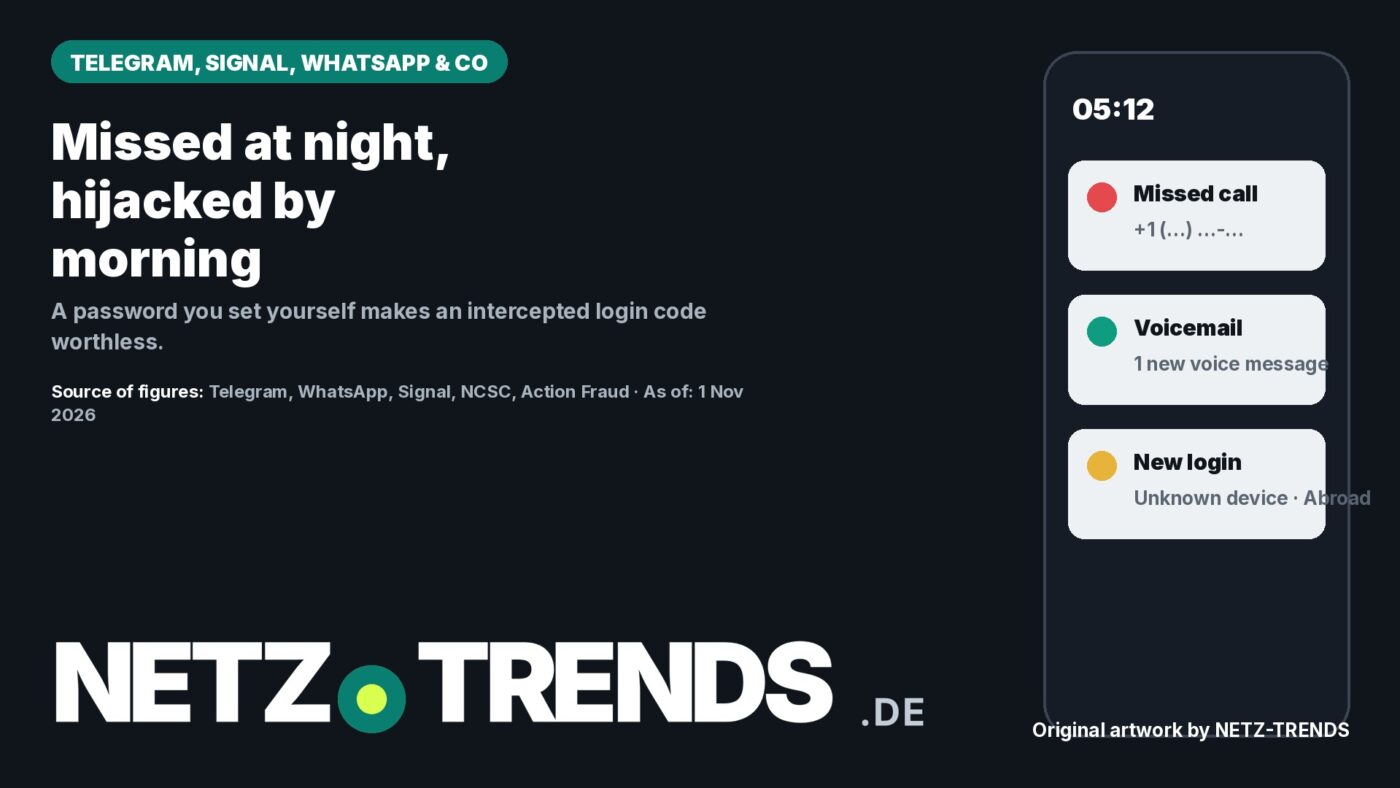
A typical pattern: early in the morning, the phone shows a missed call from an unfamiliar foreign number; a few minutes later, the messenger reports a “new login” from a device on another continent. Consumer and cybersecurity bodies across Europe have repeatedly warned about exactly this kind of account takeover in 2026, describing both SIM-based interception and so-called “device linking” scams that trick victims into approving a second device.
Four ways attackers get the code
Telegram sends login codes, according to its own help pages, by SMS or as a message in the official “Telegram” chat; with some carriers a call reading the code aloud via an automated voice is also possible. Telegram states that login codes should never be shared with anyone, including other apps or services. The common attack routes target exactly that rule:
- Deception: A message, apparently from a friend or “support”, asks the victim to forward a code they just received, or to type it into a website — for example for a supposed vote or contest.
- Compromised voicemail: If attackers have the code sent by phone call, often at night, the announcement can land on voicemail. If remote access to that voicemail is protected only by an easily guessed or never-changed PIN, attackers can retrieve the code there. Several European cybersecurity agencies have warned about exactly this trick and advised changing default voicemail PINs immediately.
- Interception within the mobile network: Via the SS7 signalling system (Signalling System No. 7), which operators worldwide use to communicate with each other, SMS messages and calls can under some circumstances be rerouted to other lines. Authorities in several countries have acknowledged in parliamentary answers that SMS-based login methods can be vulnerable this way, while noting that carriers have taken mitigating measures. The protocol is used globally, so the weakness is not limited to any one country. An illegitimately obtained replacement SIM card works just as invisibly.
- Device linking (“ghost pairing”): On WhatsApp, attackers can activate an additional linked device via a pairing code. According to consumer-protection bodies, WhatsApp keeps working normally on the victim’s phone afterwards, which is why the attack often goes unnoticed for a while. Watchdogs in several European countries reported this scam in 2026 running under the guise of a fake dance-school or talent-contest vote.
Once an account is taken over, attackers typically message the victim’s contacts. Consumer-protection bodies therefore advise treating links and requests for money with caution even when they appear to come from known contacts, and verifying unusual requests through a different, trusted channel.
Checking call forwarding and voicemail yourself
Whether calls or SMS are secretly being forwarded can be checked using standard GSM (Global System for Mobile Communications) feature codes. These codes are internationally standardised and work the same way almost everywhere, including the UK. They are typed into the phone app and sent with the call button; the phone then shows the current status.
- *#21# shows whether all calls and SMS are being permanently forwarded.
- *#61# shows where unanswered calls go — for example at night, when no one picks up.
- *#62# shows where calls go when the phone is unreachable.
- ##002# clears all forwarding at once.
If the result shows “disabled” or your own carrier’s voicemail number, everything is fine; an unfamiliar number, especially a foreign one, is a warning sign. Anyone who uses voicemail should change its PIN in the voicemail menu or the carrier’s customer portal — or switch it off if it is not needed. If nothing is set up for unanswered calls and there is no voice message, the voicemail route can be ruled out.
Interception within the mobile network itself, or a fraudulent replacement SIM, cannot be detected on the phone. Only the mobile carrier can check whether there were suspicious accesses to the line. For protecting the account, the answer is secondary: with an extra password, an intercepted code is worthless.
PIN or password: the difference
The second protection factor alongside the code is a secret known only to the account holder — technically a form of two-factor authentication (2FA). Telegram describes it in its help pages: with two-step verification switched on, both a code and a password are required to log in.
What matters is how strong that secret is. A PIN consists only of digits; four digits give just 10,000 combinations, and many people choose a date like a birthday — exactly what attackers try first, especially if they have already read chats mentioning birthdays or anniversaries. A genuine password mixes letters, digits and special characters and can be any length. On Telegram the extra password is freely chosen; on Signal the PIN can be set as a letters-and-digits password; WhatsApp uses a six-digit PIN and has announced a longer password option with special characters as part of its passkey rollout.
Editorial recommendation for messenger passwords
- At least 24 characters, mixing upper and lower case, digits and special characters. That is deliberately above the baseline minimums national cybersecurity agencies typically recommend (commonly 8–12 characters using all four character types, or 20–25 characters using two types).
- Generate it randomly instead of inventing it yourself — most safely with the generator built into a password manager. Only use generator websites from reputable providers that create the password locally in your own browser.
- Avoid names, birth dates, keyboard patterns like “asdfgh”; avoid characters that are missing on some keyboard layouts.
- Use a separate password for every service and store it in a password manager — never in chats, emails or notes. Such tools are built into iPhone and Android or available as standalone apps, and are themselves protected with one strong master password.
The email address requested during setup does not protect the account by itself. It is the emergency exit if the password is lost: the service sends a reset code there. Telegram recommends securing that inbox too, with a strong password and ideally two-factor protection.
Setting up protection: Telegram, WhatsApp, Signal
Telegram: “Settings”, “Privacy and Security”, “Two-Step Verification”, then “Set Password”. Enter the password twice, add an email address and confirm it with the code sent there. If Telegram asks for a “current password” you never set, someone else has likely already set one.
WhatsApp: “Settings”, “Account”, “Two-step verification”, then “Turn on”, set a PIN and add an email address. According to WhatsApp’s help pages, the email address is optional; without it you must wait seven days if you forget the PIN. Under “Settings”, “Account”, “Passkeys” you can also set up digital keys stored on your own phone and unlocked with a fingerprint, face recognition or screen lock. Under “Linked devices”, every device that can read the account’s messages is listed.
Signal: Open “Settings”, “Account” via the profile picture, set a Signal PIN — ideally as a longer password — and turn on “Registration Lock”. According to Signal’s help pages, this prevents the number from being registered on another device without the PIN. Forgetting the PIN can lock you out for up to seven days; Signal cannot recover it. Under “Linked devices”, Signal shows every computer and tablet running the account alongside the phone.
Account hijacked: the first 10 minutes
If the messenger reports a login you did not trigger yourself, every minute counts:
- End the unknown session: on Telegram under “Settings”, “Devices”, tap the unknown device and choose “Terminate Session”; on WhatsApp under “Linked Devices”; on Signal under “Linked Devices”. According to Telegram’s help pages, the attacker cannot log back in afterwards without knowing the extra password.
- Turn on or change the extra password immediately, and check whether an unfamiliar email address or a changed username has been added.
- Review chats since the unauthorised login and warn contacts through a different channel if messages were sent in your name.
- Treat any passwords, codes or account details ever shared in chats as compromised and change them.
- Do not call back unknown numbers, and report the incident to the police if you suffered a loss — in many places this is also possible online. In the UK, Action Fraud (the national fraud and cyber crime reporting centre) also takes reports of this kind.
Frequently asked questions
What could an attacker see with a hijacked Telegram session?
In principle, all normal chats and groups including history, contacts, and shared photos and files, because Telegram stores this content in the cloud. “Secret chats” are the exception — they only exist on the device they were created on. Telegram does not show whether content was actually read.
How do I know someone has logged in?
Telegram reports new logins in the official “Telegram” chat with a blue checkmark; under “Settings”, “Devices” every active session is listed with device type and an approximate location. Location data is based on the network connection and is only approximate.
Do I need to memorise a 24-character password?
No. A password manager stores it and can fill it in automatically on your phone. Messengers only ask for the extra password occasionally as a reminder, and whenever you log in on a new device.
Sources and status
- Telegram: Frequently Asked Questions (FAQ)
- WhatsApp: Help on two-step verification; Announcement on passkeys and account security features, 25 August 2026
- Signal: Help on Registration Lock
- Action Fraud (UK national fraud and cyber crime reporting centre): actionfraud.police.uk
Research and data as of: 1 November 2026.
Transparency note: AI-assisted tools were used in researching, structuring and writing this article. The sources used are listed in the article. Publication takes place only after manual editorial approval. Translation of the German original on NETZ-TRENDS.de, adapted with UK reporting contacts. Image note: original artwork by the NETZ-TRENDS editorial team.