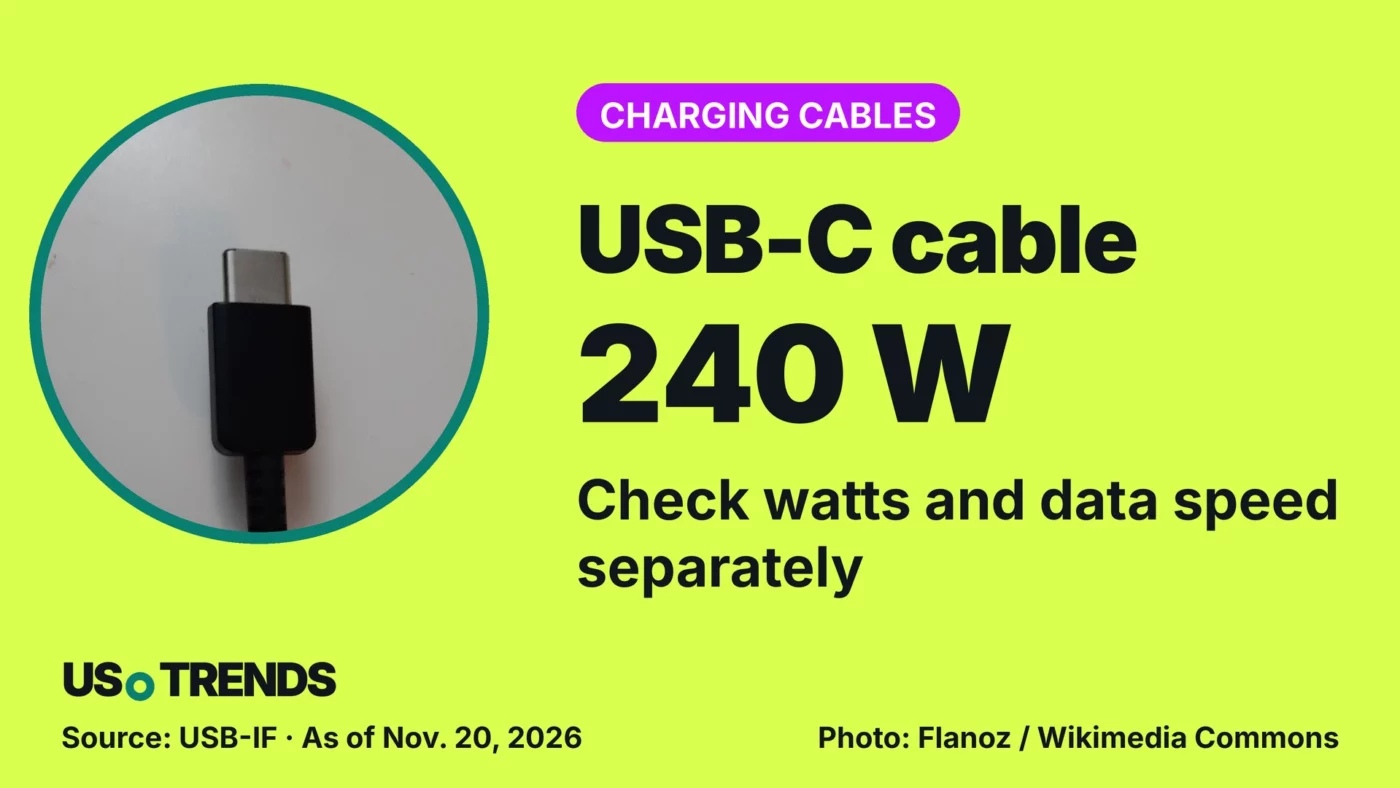
If you plug in a laptop or an external drive, check a cable’s wattage and data speed separately – even when the connectors look identical.
USB-C cables look alike but can handle very different jobs. A 60W or 240W rating says nothing about whether the cable also moves data quickly.
The USB Implementers Forum (USB-IF), the industry group behind the standard, requires every certified USB-C to USB-C cable to be labeled with a power rating of either 60W or 240W. The connector shape alone is no proof that a cable supports up to 240 watts. The requirement applies to certification; it does not take older cables off store shelves.
With Black Friday and Cyber Monday sales underway, many shoppers stock up on cables and chargers. A discount tag, however, does not answer a compatibility question.
Wattage is its own spec
USB-IF’s certification logos separate the 60W and 240W power classes. The number describes what the cable can carry, not a promise that every device will charge that fast. If the charger is your main concern, our explainer on how many watts a USB-C charger actually needs covers how device and power adapter work together.
Testing company UL Solutions outlines the requirements for cables in the extended power range: they need an electronic ID chip called an e-marker. The 240W design described there runs at 48 volts and 5 amps. Those are design limits, not measurements for your own laptop.
High wattage doesn’t mean fast data
A charging cable can deliver plenty of power and still transfer data only at USB 2.0 speed. The USB-IF cable logo guidelines put that at up to 480 megabits per second, and the charging logo does not have to show this data rate.
For other certified USB-C to USB-C data cables, USB-IF requires the supported data rate to be printed next to the power rating. Watts and gigabits per second answer different questions, so a big wattage number alone won’t make a fast external SSD perform at full speed.
Start with what your device needs, then compare the cable’s power and data rate separately. Don’t rely on the connector shape if a marking is missing. A suitable cable you already own doesn’t need replacing just because another product advertises a higher wattage.
Your view: Which cable spec was missing the last time you hooked up a device? Share your experience in the comments.
Sources and date
- USB-IF: Cables and Connectors (certification requirements, accessed 11/20/2026)
- USB-IF: Cable Logo Usage Guidelines (technical guideline, accessed 11/20/2026)
- UL Solutions: 240W USB-C Cable Performance Testing and Safety Considerations (technical explainer, accessed 11/20/2026)
As of: 11/20/2026
Transparency note: AI-assisted tools were used in researching, structuring and writing this article. The sources used are listed in the article. Publication takes place only after manual editorial approval.
Share this article



Comment Tell us what you think →