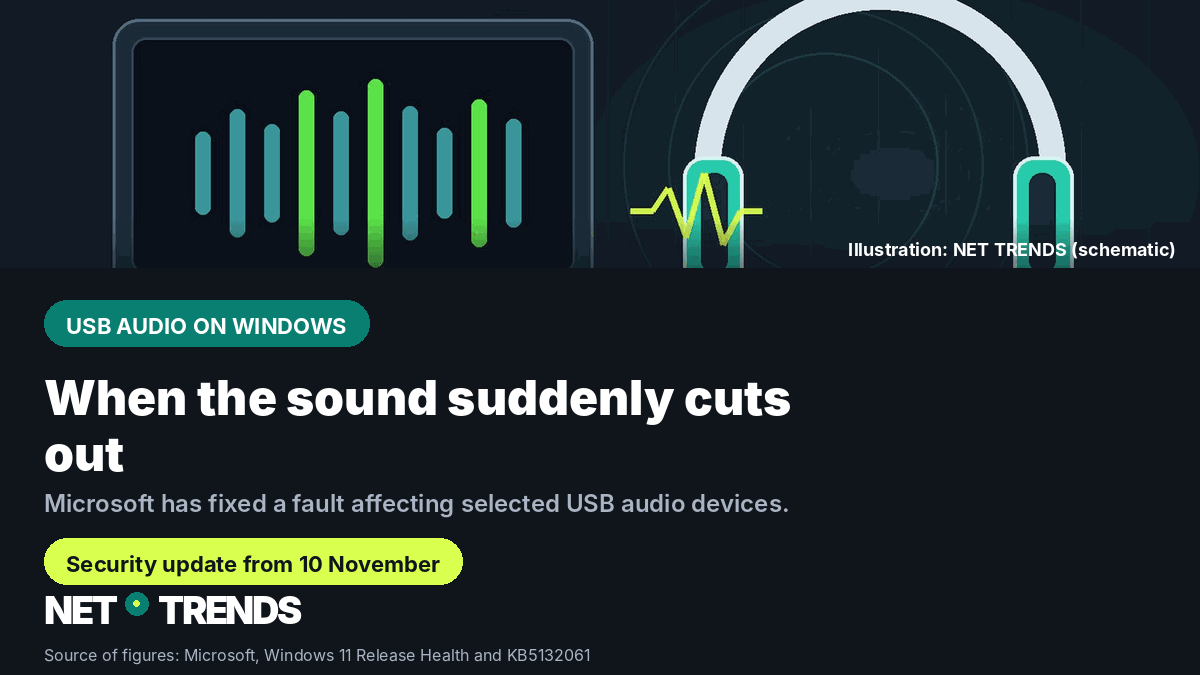
Microsoft’s 10 November security updates resolve a sound issue affecting selected USB audio devices on Windows 11.
Key points
- Certain USB Audio Class 1.0 devices could lose sound, have unresponsive volume controls, or show broken sound settings after a Windows update.
- Microsoft lists the fix in the 10 November 2026 security updates: KB5132059 for Windows 11, version 26H1; KB5132061 for 25H2, 26H2, and 24H2 Enterprise/Education.
- A separate installation issue affects only certain Windows 11 24H2 Enterprise and Education devices; an automatic repair has been rolling out since 11 November.
Microsoft has fixed a bug that could cut off sound from certain USB audio devices on Windows 11. Affected devices sometimes showed error code 10 in Device Manager, and the fix ships in the 10 November 2026 security updates.
If sound suddenly stops working through a USB headset, headphones, or speaker after an update, check your Windows Update status first. Microsoft also lists unresponsive volume sliders and inaccessible sound settings as possible symptoms. The description applies to USB Audio Class 1.0; Microsoft does not name specific device or brand models.
What could go wrong with USB audio
In its overview of resolved Windows 11 issues, Microsoft describes a fault affecting certain USB Audio Class 1.0 devices after installing a Windows update. An affected PC could show the device in Device Manager with the message “This device cannot start (Code 10)”. Missing sound output, volume sliders stuck at zero, or unreachable sound settings were also listed as symptoms.
That doesn’t mean every USB headset or speaker was affected. Microsoft narrows the fault to devices using the USB Audio Class 1.0 standard and does not publish a full list of specific products. A device can’t be judged affected or unaffected by brand or connector type alone.
Which Windows updates fix it
Microsoft dates the fix to 10 November 2026. For Windows 11, version 26H1, the fix ships in KB5132059, build 28000.3501. For version 25H2 and 26H2, and for 24H2 Enterprise and Education, it’s KB5132061, with builds 26200.9974 (25H2), 26300.9974 (26H2), and 26100.9974 (24H2 Enterprise/Education).
Both are cumulative security updates. Alongside security improvements, Microsoft lists other fixes, including an Active Directory printer-adding issue in KB5132061, and Secure Boot, Remote Desktop, and PowerShell fixes for version 26H1. Some of these changes affect specific management or enterprise setups only, not every Windows PC.
The USB audio fix is documented on Microsoft’s support pages for the versions above. A separate status overview lists other client versions as potentially affected and points to the 10 November update or later ones. Anyone on a different version should check the update number offered for their own device in the current Windows 11 release information rather than manually installing a KB number meant for another version.
How to check your update status
Open Settings and go to “Windows Update” to search for available updates; already-installed packages appear in the update history. What matters is matching your Windows version to the right KB number: KB5132059 for version 26H1, KB5132061 for 25H2 or 26H2. Microsoft recommends installing the current security update anyway, since it includes further security improvements.
If the sound issue persists after updating, that doesn’t automatically mean the headset itself is faulty. Microsoft’s description covers only specific devices and symptoms and isn’t a substitute for checking your individual PC. In that case, first confirm that the correct update for your installed Windows version was actually offered and completed.
A separate install issue on managed PCs
Microsoft’s support page for KB5132061 also lists a separate known installation issue affecting Windows 11, version 24H2, in the Enterprise and Education editions. On some devices, installation can fail repeatedly; Microsoft cites error codes including 0x80070306, 0x800f0989, and 0x800f0993.
As a fix, Microsoft describes an automatic repair for affected devices that are connected to the internet and use Windows Update in Settings. According to the support entry updated 11 November, the rollout began at 10am US Pacific time; Microsoft estimates 24 to 48 hours before the November security update downloads and installs automatically. This affects the named enterprise and education editions of 24H2, not private Windows 11 PCs generally. If a device keeps failing after 48 hours, Microsoft recommends contacting support.
Frequently asked questions
How do I recognise this USB audio fault?
Microsoft cites error code 10 in Device Manager, missing sound output, unresponsive volume sliders, and inaccessible sound settings. The description applies to certain USB Audio Class 1.0 devices.
Which KB number do I need?
For Windows 11, version 26H1, it’s KB5132059. For version 25H2, 26H2, and 24H2 Enterprise/Education, it’s KB5132061. Always check your Windows version first.
Does the install issue affect home PCs too?
Microsoft limits the known install issue to Windows 11, version 24H2, in the Enterprise and Education editions. It’s separate from the USB audio fix itself.
Did your USB audio stop working after a Windows update — and did the November fix solve it? Share your experience in the comments.
Sources and status
- Microsoft Learn: Resolved issues in Windows 11, version 26H2, accessed 12 November 2026.
- Microsoft Support: KB5132059 for Windows 11, version 26H1, published 10 November 2026.
- Microsoft Support: KB5132061 for Windows 11, version 24H2, 25H2 and 26H2, published 10 November 2026; installation-issue entry updated 11 November 2026.
- Microsoft Learn: Windows 11 versions and update builds, accessed 12 November 2026.
Research and data as of: 12 November 2026.
Transparency note: AI-assisted tools were used in researching, structuring and writing this article. The sources used are listed in the article. Publication takes place only after manual editorial approval. Translation of the German original on Net Trends. Own schematic illustration; logo rebuilt for this language.
Share this article