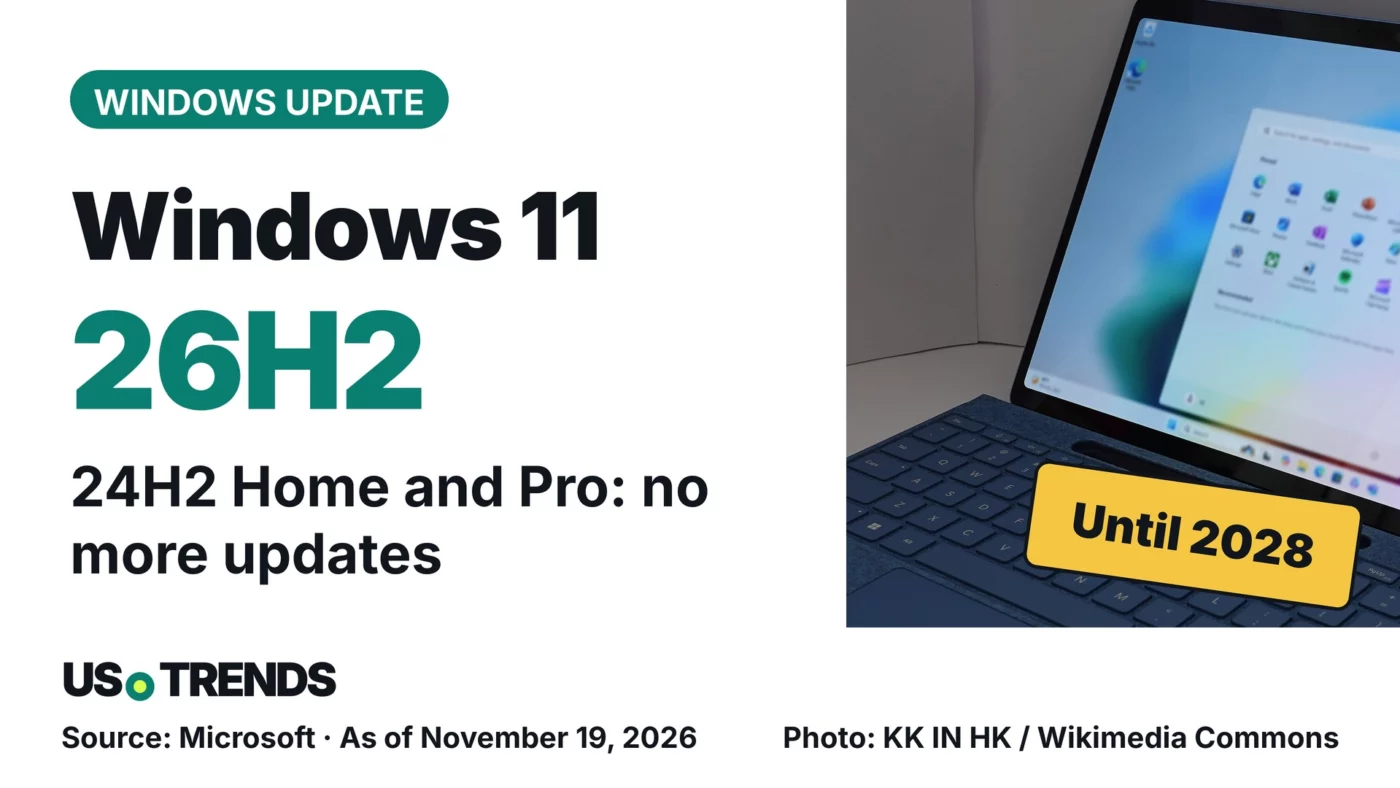
Microsoft has been pushing 26H2 to PCs automatically since November 18, and 24H2 on Home and Pro no longer receives updates.
Key points
- Microsoft released Windows 11 26H2 on September 29, 2026, and has been rolling it out automatically since November 18, starting with unmanaged PCs on 24H2 and 25H2.
- Microsoft’s release table lists 24H2 Home and Pro as “End of updates”; Enterprise and Education keep getting updates until October 12, 2027.
- 26H2 is a small enablement package that needs one restart and resets the support clock: 24 months for Home and Pro, 36 months for Enterprise and Education.
- The release health page lists three known issues: two are resolved, and one affecting SQL Server connections is confirmed and mostly hits businesses.
Microsoft is gradually rolling out Windows 11 26H2 to unmanaged PCs running 24H2 and 25H2. If your computer runs 24H2 Home or Pro, it no longer gets security updates.
Microsoft lays this out on its 26H2 release health page, last updated November 19, 2026. The page says 26H2 is available to all eligible devices; a manual install has been possible since late October.
What it means for you depends on the version your PC runs. Here is how to check it, when support ends for each version, what the update contains and which problems Microsoft has flagged.
What changed on November 18
According to the release health page, Microsoft is expanding the automatic rollout “gradually.” It starts with Windows 11 PCs on 24H2 and 25H2 that are not managed by an IT department. That includes home computers and small-business machines that nobody manages centrally.
Whether your PC gets the offer also depends on your Windows Update settings. Automatic does not mean everyone gets it the same day. If you don’t want to wait, open Settings, then Windows Update, and click “Check for updates.”
Microsoft’s Windows blog post from September 29, 2026 explains that the company can place safeguard holds when it detects a compatibility problem. Affected devices are held back for a while. As of November 18, no such hold was listed for 26H2.
26H2 is a switch, not a rebuild
The update ships as an enablement package. Microsoft describes it as a small update that turns on features already delivered through earlier monthly updates. It needs a single restart. That works because 26H2, 25H2 and 24H2 share the same servicing baseline.
In practice, you can install the package on 25H2 or straight on 24H2, with no need to move to 25H2 first. Version 26H1 is a different case: Microsoft says it is meant for new devices from early 2026 and is not offered as an update to PCs on 24H2 or 25H2.
Microsoft says little about what is new. Some features that were off by default in 25H2 are on by default in 26H2, but the blog post does not list them. The lifecycle page adds one limit: 26H2 is the last version that supports the Snapdragon 850 processor.
Which version is on your PC?
Open Settings, then System and About. Under “Windows specifications” you will see the version, such as 24H2 or 25H2. You can also press the Windows key and R, type winver and press Enter.
The edition matters as well. Home, Pro, Pro Education and Pro for Workstations get 24 months of updates. Enterprise, Education and a few other editions get 36 months. Most consumer PCs sold in the US come with Home or Pro, so they fall under the shorter period.
When support ends for each version
The dates come from Microsoft’s Windows 11 release information, last updated November 19, 2026. Version 26H1 is left out because it only ships on new devices.
Windows 11: when updates end for each version
| Version | Available since | Updates until (Home, Pro) | Updates until (Enterprise, Education) |
|---|---|---|---|
| 26H2 Longest support | Sep 29, 2026 | Oct 10, 2028 | Oct 9, 2029 |
| 25H2 | Sep 30, 2025 | Oct 12, 2027 | Oct 10, 2028 |
| 24H2 | Oct 1, 2024 | Ended | Oct 12, 2027 |
| 23H2 | Oct 31, 2023 | Ended | Ended |
The gap between 24H2 and 25H2 matters most for home users. On 24H2 Home or Pro you are already without updates; on 25H2 you are covered until October 12, 2027. The lifecycle page for Windows 11 Home and Pro lists October 14, 2026, and October 13, 2027, instead. Microsoft gives those dates in Pacific Time, which may account for the one-day difference.
Installing 26H2 resets the support lifecycle. For Home and Pro that means updates until October 10, 2028, roughly a year more than 25H2.
Known issues: two fixed, one confirmed
As of November 18, the release health page shows three entries. Microsoft lists only open issues and entries from the past 30 days, so older problems may be missing.
- SQL Server connections: connections from linked server queries stay open and can pile up. Status “Confirmed,” caused by the October 13, 2026, update (KB5127648). On November 12, Microsoft announced an out-of-band fix “in the coming days.”
- USB audio devices: some USB Audio Class 1.0 devices failed to start or stayed silent (Code 10). Resolved with the November 10, 2026, security update (KB5132061).
- Remote Desktop for non-administrators: connections failed with error 0xC000000D when “Administrator protection” was turned on. Resolved with the October 28, 2026, update (KB5127936).
For home users the USB audio entry is the one to watch, for example if a USB headset went silent after an update. The SQL Server problem mainly affects servers and corporate networks, although Windows 11 clients on 24H2 and 25H2 are listed too.
Businesses, schools and managed PCs
Managed devices are not part of the automatic rollout for now. Organizations get 26H2 through Windows Autopatch and the Microsoft 365 admin center and can keep using their existing management tools. Microsoft recommends pilot deployments first to test apps and workflows.
There is less time pressure here: 24H2 Enterprise and Education run until October 12, 2027, and 25H2 until October 10, 2028. For Windows 11 Enterprise LTSC 2024, Microsoft lists October 9, 2029, as the end of mainstream support.
What you can do now
If you run 24H2 on Home or Pro, install the update soon, because no more security updates are coming. On 25H2 you have until October 2027, but switching earlier extends your support. Microsoft has not said how long the rollout will take, so don’t assume you are protected while you wait.
How to do it
- Check version and edition: Settings, System, About, “Windows specifications.”
- Back up your files.
- Open Windows Update and click “Check for updates”; if 26H2 is offered, download and install it.
- Plan for one restart.
- Afterward, review your settings, because some features are now on by default.
If 26H2 is not offered yet, nothing is wrong. Microsoft is rolling out in stages and can hold back devices with known compatibility problems. Check again over the next few days.
Frequently asked questions
Do I have to upgrade from 24H2 to 25H2 first?
No. Microsoft says the 26H2 enablement package installs on both 25H2 and 24H2.
How long does the update take?
Microsoft does not give a time. The Windows blog calls the package small and fast and mentions a single restart.
Why don’t I see 26H2 yet?
Microsoft is rolling it out gradually and can hold back devices with known compatibility issues. No active hold for 26H2 is currently listed.
Will I get 26H1?
Only on new devices. Microsoft does not offer 26H1 as an update to PCs on 24H2 or 25H2.
Your view: Has Windows Update offered you 26H2 yet, or is your PC still on 24H2 or 25H2? Share your experience in the comments.
Sources and date
- Microsoft: How to get the Windows 11 2026 Update (Windows blog, September 29, 2026)
- Microsoft: Windows 11, version 26H2 known issues and notifications (release health page, updated November 19, 2026)
- Microsoft: Windows 11 release information (release table, updated November 19, 2026)
- Microsoft: Windows 11 Home and Pro lifecycle (lifecycle page, accessed November 23, 2026)
As of: 11/23/2026
Transparency note: AI-assisted tools were used in researching, structuring and writing this article. The sources used are listed in the article. Publication takes place only after manual editorial approval.
Share this article