Buying a memory card for video? Check the write class, the interface and your device’s requirement separately.
Key points
- V30 means at least 30 MB/s of sequential writing under the conditions set by the standard.
- A high maximum read speed is no substitute for the right video write class.
- Card and recording device must support the same class family; a higher level within that family is fine.
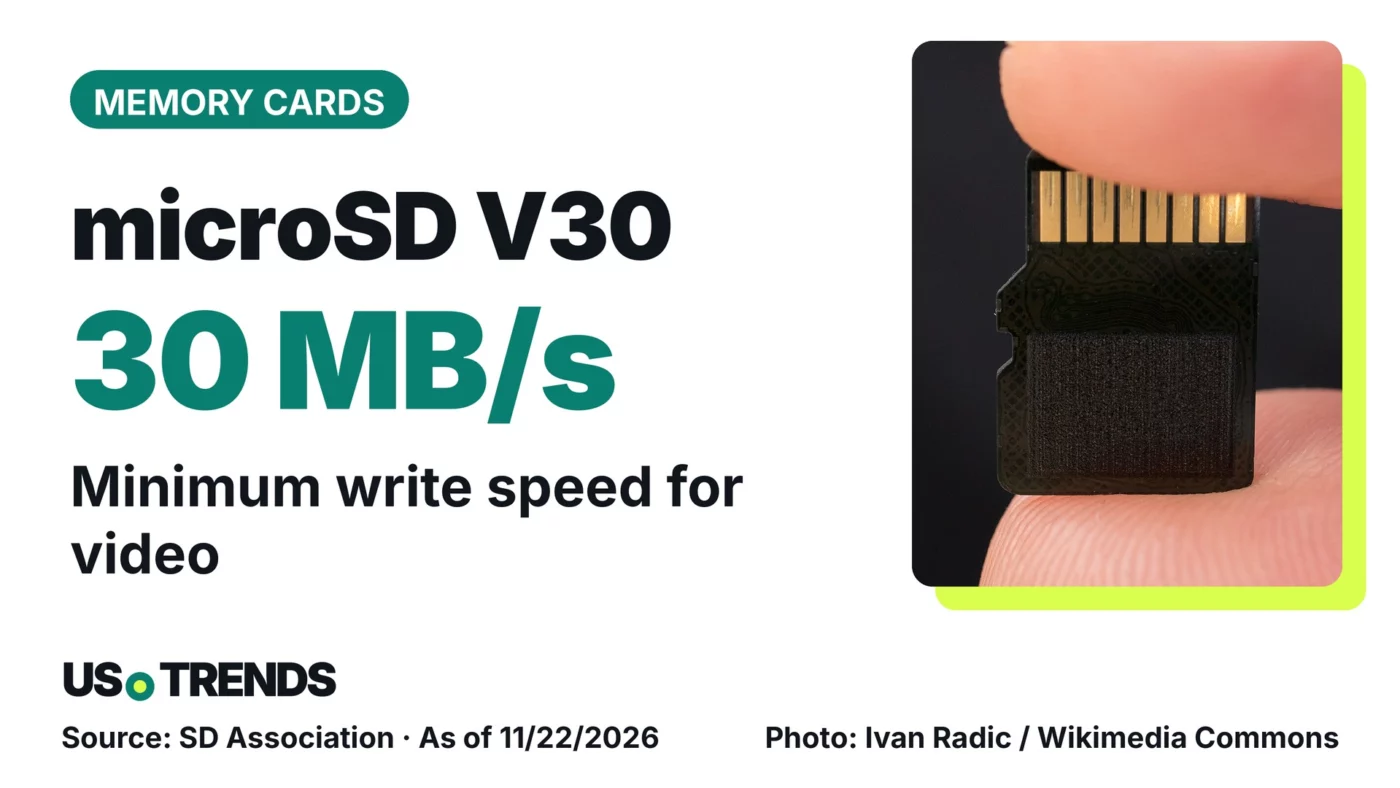
On a microSD card, V30 stands for a sequential write speed of at least 30 MB/s. For video, what also matters is the class your recording device asks for.
Anyone shopping for a memory card during Black Friday will usually find several numbers and symbols on the packaging. A discount does not tell you whether the card suits your camera, drone or action cam.
The key is to keep three figures apart: storage capacity, peak transfer speed and guaranteed minimum performance. Once you separate them, you can match them against what your device needs.
V30 is about writing, not reading
When you film, the card has to store a steady stream of data. If the speed drops, the recording can stop. The SD Association therefore defines its speed classes as minimum performance for sequential access. Sequential means the data is written in one continuous run.
The number after the V is megabytes per second. It is neither a capacity nor a ceiling. A V30 card can advertise a much higher top speed without the two figures contradicting each other.
Read and write speeds are separate figures
The manufacturer Kingston distinguishes between interface speed and sustained write speed. The UHS interface describes the theoretical maximum of the connection. It does not say what minimum the card holds while recording.
So with any advertised figure, ask whether it refers to reading or writing. Reading matters when you copy finished clips to a computer. Writing is what happens while you record.
How much write speed each video class guarantees
Data table
| Period | Minimum write speed |
|---|---|
| V10 | 10 |
| V30 | 30 |
| V60 | 60 |
| V90 | 90 |
The chart compares classes within one family only. It shows no test results for individual cards and is no recommendation for a particular camera. A higher class only helps if the other requirements are met too.
Your device’s requirement decides
The SD Association recommends matching the class symbol on the recording device with the one on the card. Within the same family, the card may meet or exceed the required level. If the requirement is not printed on the device, check the manual.
The class family is what counts. Equal numbers from different systems are not a blanket approval. For demanding classes, the device must also support the matching bus mode.
More gigabytes do not fix a speed problem
The SDHC and SDXC capacity families describe how much a card holds. They imply no particular video write class. A bigger card answers a different question from a faster one.
A1 and A2 are a separate matter as well. The Application Performance Class covers running apps with random read and write access. A2 performance needs both a card and a device that support it. The A2 mark does not replace a video class.
What to check before you buy
Look up the requirements for your chosen recording mode in your device’s manual. Then match card format, supported capacity and required class symbol. Only then weigh up the advertised read speed.
If a card you already own struggles while recording, the SD Association notes that fragmentation can slow writing. Back up all files before formatting the card in the device. The class alone does not guarantee that every card works flawlessly in every situation.
Frequently asked questions
What does V30 mean on a microSD card?
At least 30 MB/s of sequential writing under the conditions of the Video Speed Class standard.
Does a high read speed mean a card is fine for video?
No. Read speed, write class and your device’s requirement describe different things.
Does A2 replace the V30 mark?
No. A2 belongs to the Application Performance Class for apps and does not replace a video write class.
Your view: Which card class does the manual of your camera or action cam ask for? Share your experience in the comments.
Sources and date
- SD Association: Speed Class Standards for Video Recording and Speed Class (standard explainers, accessed November 22, 2026)
- SD Association: Capacity and Application Performance Class (standard explainers, accessed November 22, 2026)
- Kingston: A Guide to Speed Classes for SD and microSD Cards (manufacturer guide, accessed November 22, 2026)
As of: 11/22/2026
Transparency note: AI-assisted tools were used in researching, structuring and writing this article. The sources used are listed in the article. Publication takes place only after manual editorial approval.
Share this article