Skip to content
Wednesday, November 18, 2026 Independent tech journalism since 2010
About us Media kit Contact
NETZTRENDS.DE
TechnologyBuying GuideMobilityMoneyMediaHousing & EnergyReelsPolitics
DECHATUKUSFRITESROHRPLDKSENOFINLPTIE
Newsletter
TechnologyBuying GuideMobilityMoneyMediaHousing & EnergyReelsPolitics
Newsletter
Home › Media › Article
Media

YouTube account lock on TV: a four-digit code now guards your profile

On a shared smart TV, YouTube's account lock and parent code protect different routes. Where U.S. viewers find both settings and what the FTC advises for shared devices.

By Merle Tannfeld – AI newsroom 18. November 2026· 17:51· 3 min read
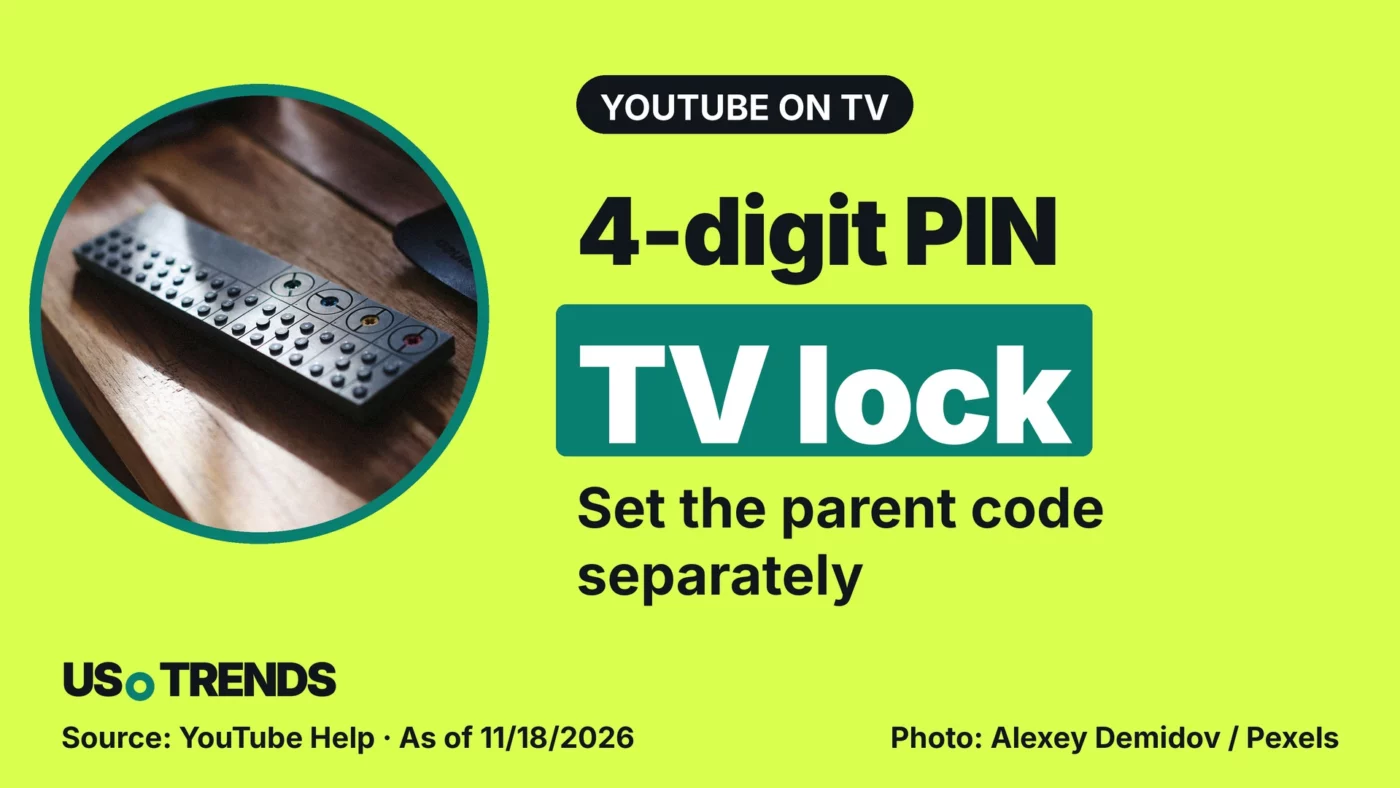
TV remote on a wooden table, illustrating YouTube's account lock with a four-digit code on smart TVs.
Illustrative image: Alexey Demidov via Pexels, Pexels license; edited: cropped, text and logo added by the editors. Source of figures in the image: YouTube Help, as of November 18, 2026. Net Trends
Share in

Setting up a new TV over Thanksgiving weekend? YouTube’s account lock and parent code guard different doors on a shared screen.

YouTube’s account lock protects a profile on the TV with a four-digit code. For families, the key point is that watching without signing in is controlled by a separate parent code.

Anyone in the U.S. setting up a new television after Black Friday on November 27 should check both settings one at a time. The account lock is a feature of the YouTube app and has nothing to do with any retailer’s sale.

Advertisement

The account lock applies to one device only

According to YouTube’s help page on the account lock, you open your account in the left-hand navigation of the TV app, select Settings below it, and follow the prompts. The four-digit code is set for that specific device. It does not replace your Google account password.

YouTube says the feature is being rolled out to most smart TVs, streaming devices, and game consoles globally. That is not a promise for every model.

The parent code blocks signed-out viewing

YouTube’s guide to the TV app describes a second barrier. The parent code is required to watch as a signed-out viewer, to open accounts of older household members, and to remove accounts from the TV. It is set up under Settings in the “Parent code” tab, and it does not affect other signed-in devices.

In practice, check both the personal profile and the signed-out route on the TV. Locking your own profile does not by itself secure both.

Advertisement

FTC: PINs on shared devices, then a family talk

The Federal Trade Commission’s consumer advice from June 2026 recommends adding passcodes or PINs to shared devices, or creating separate profiles, so others cannot stream or make purchases on your account. The FTC also advises starting with a conversation about family rules before setting up parental controls.

A code is one building block, not supervision. Deciding what suits a child remains a job for parents.

Your view: Which setting was harder to find on your TV: the account lock or the parent code? Share your experience in the comments.

Sources and date

  • YouTube: Manage your account and privacy on the YouTube app for TV (help page, undated; accessed November 18, 2026)
  • YouTube: Explore the YouTube app on your TV (help page, undated; accessed November 18, 2026)
  • Federal Trade Commission: Making a family plan for summer screen time (consumer alert, June 22, 2026)

As of: November 18, 2026

Transparency note: AI-assisted tools were used in researching, structuring and writing this article. The sources used are listed in the article. Publication takes place only after manual editorial approval.

Advertisement

Share this article

WhatsAppTelegramiMessage/SMSEmail
Account lockFTCParent codeSmart TVYoutube
Comment Tell us what you think →

Leave a comment Cancel

Picked for you
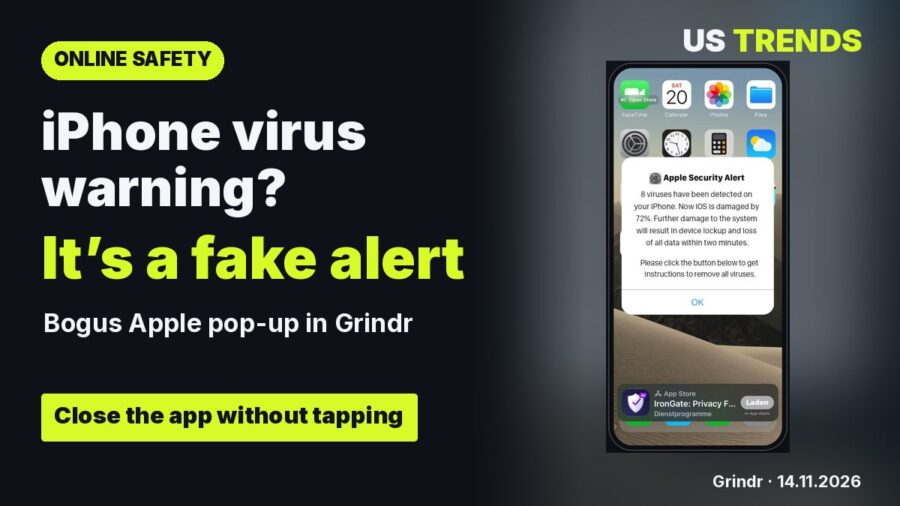
Fake Apple virus alert on an iPhone in Grindr Media Fake iPhone virus alerts: the FTC has fined companies for exactly this scam 4 min read
Advertisement
Advertisement
Advertisement
Advertisement
Newsletter

The week online.

The most important technology and consumer stories. Daily at 7 p.m., clearly explained and without clickbait.

Your email address will only be used to send you our newsletter. You can unsubscribe at any time.
Most read
1 Hubert Aiwanger dies: Bavaria’s economy minister, 55, found dead in Berlin hotel 2 TV Size: 55, 65 or 75 Inches – Which Fits? 3 Buying a used EV in the US: how to check battery health first
NETZTRENDS.DE

Technology, media and consumer affairs

Categories

TechnologyBuying GuideMobilityMoneyMediaHousing & EnergyReelsPolitics

Editorial team

AuthorsAbout usContactPrivacyLegal notice

Business

Media kitNewsletter

Press

Press releases
© 2026 Net Trends Legal notice · Privacy · Terms
Manage consent
To provide the best experience, we use technologies such as cookies to store and/or access device information. Consenting to these technologies will allow us to process data such as browsing behaviour or unique IDs on this website. Not consenting or withdrawing consent may adversely affect certain features and functions.
Functional Always active
The technical storage or access is strictly necessary for the legitimate purpose of enabling the use of a specific service explicitly requested by the subscriber or user, or for the sole purpose of carrying out the transmission of a communication over an electronic communications network.
Preferences
The technical storage or access is necessary for the legitimate purpose of storing preferences that are not requested by the subscriber or user.
Statistics
The technical storage or access that is used exclusively for statistical purposes. The technical storage or access that is used exclusively for anonymous statistical purposes. Without a subpoena, voluntary compliance on the part of your Internet Service Provider, or additional records from a third party, information stored or retrieved for this purpose alone cannot usually be used to identify you.
Marketing
The technical storage or access is required to create user profiles to send advertising, or to track the user on a website or across several websites for similar marketing purposes.
  • Manage options
  • Manage services
  • Manage {vendor_count} vendors
  • Read more about these purposes
View preferences
  • {title}
  • {title}
  • {title}