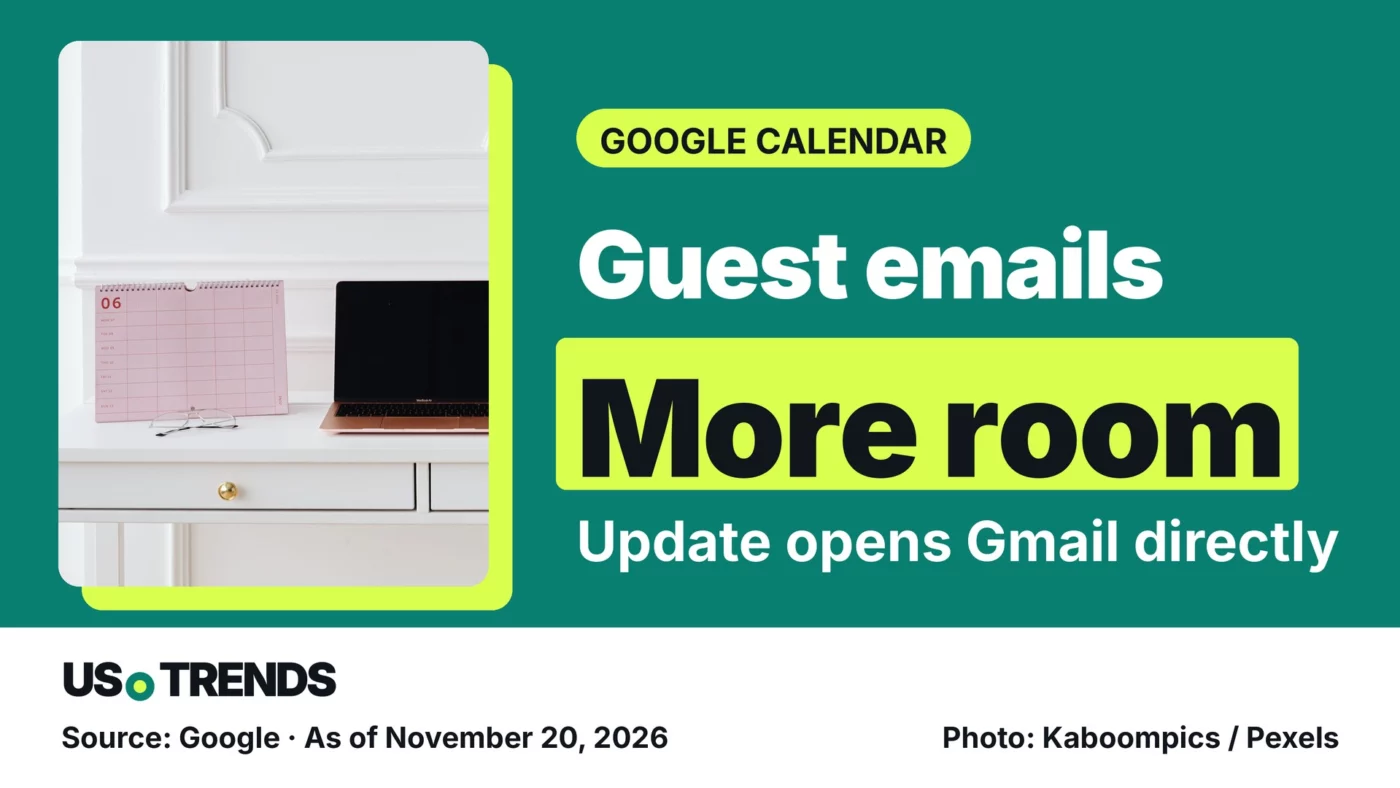
Google Calendar on the web now opens emails to meeting guests in Gmail, and personal Google accounts are included.
Google Calendar is replacing its basic guest-email box, which was capped at 2,400 characters. Messages to invitees will now be written directly in Gmail.
Google’s announcement on November 19, 2026 applies to Calendar on the web. A meeting agenda, for example, can now go out as a formatted list instead of a wall of plain text. Google says all Workspace customers, Workspace Individual subscribers and personal Google accounts are eligible.
Calendar now opens a Gmail draft
Before writing, you choose recipients by their RSVP: yes, no, maybe or awaiting response. The draft fills in the recipients, uses the event title as the subject line and adds an event summary. Gmail tools such as attachments, signatures and scheduled send are available; the Help me write AI assistant is limited to eligible users.
Double-check the selected addresses before you hit send. Picking the wrong group still reaches the wrong people, no matter how well the message is formatted.
Timing depends on the release track
For organizations on Rapid Release, the rollout started November 19, with completion expected by December 11. On Scheduled Release it begins December 18 and should take one to three days. The announcement gives no separate date for personal accounts.
That does not mean the feature is already in your account. According to Google’s explanation of release tracks, new features usually show up automatically and nothing needs to be installed. Google reserves the right to change schedules, for example for security or reliability reasons.
An email is not an event update
Keep a message to guests separate from a change to the calendar entry. Google’s Calendar help page on invitations treats event updates and guest emails as separate steps. If a meeting moves, change the event itself and send the update.
To send a message, open the event on a computer and select the envelope icon. Once the feature is turned on, choosing recipients takes you to the Gmail draft. If the new view isn’t there yet, Google also describes the existing route through Calendar in the Gmail side panel.
Your view: What information do you send meeting guests on top of the invitation? Share your experience in the comments.
Sources and date
- Google: Email meeting guests from Google Calendar with the full capabilities of Gmail (product announcement, November 19, 2026)
- Google: Choose when users get new features (admin help, updated November 10, 2026)
- Google: Invite people to Google Calendar events (help page, accessed November 20, 2026)
As of: 11/20/2026
Transparency note: AI-assisted tools were used in researching, structuring and writing this article. The sources used are listed in the article. Publication takes place only after manual editorial approval.
Share this article
Comment Tell us what you think →