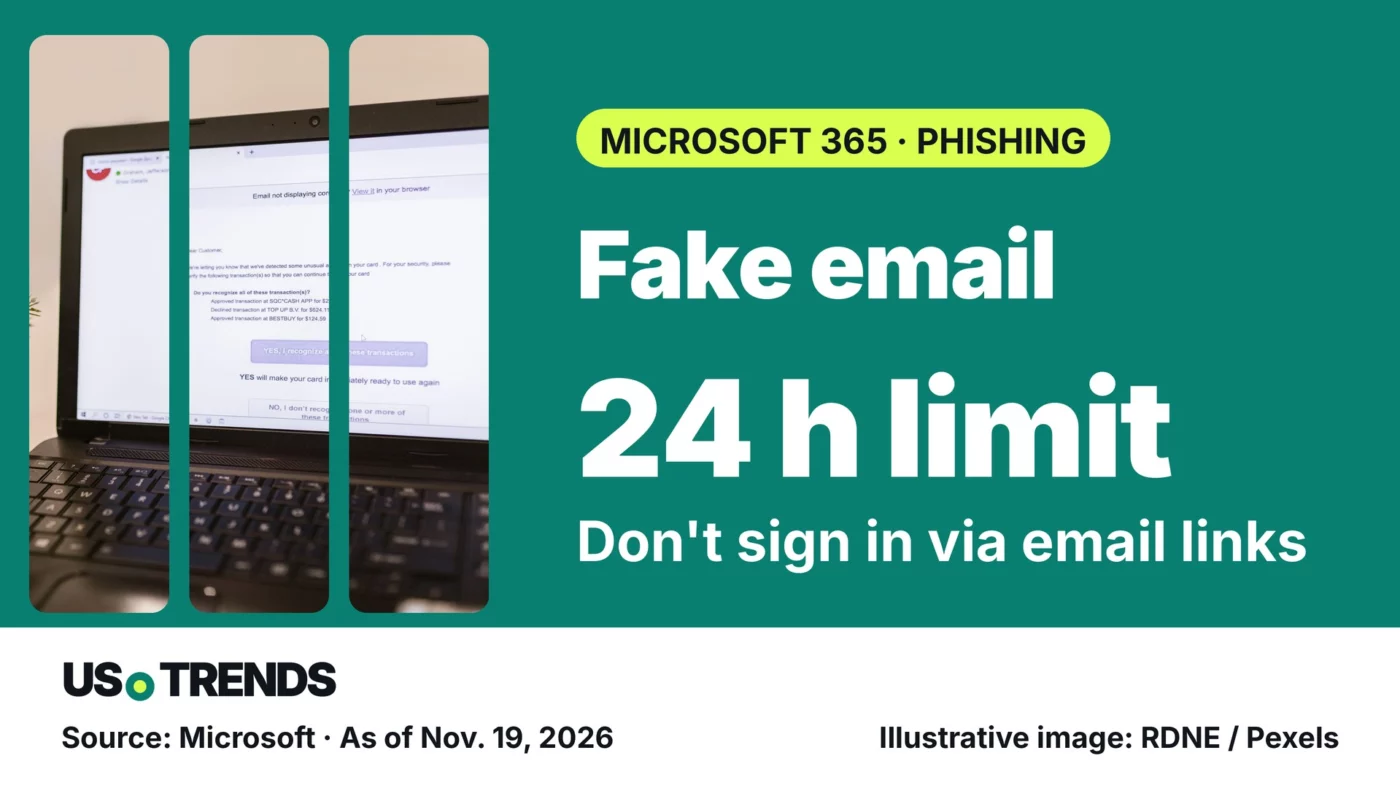
Anyone in the U.S. who uses Microsoft 365 at work should check supposed rescue links for missing emails through a separate route.
Key points
- Microsoft describes a campaign of fake Microsoft 365 service health notices sent to organizations worldwide.
- The emails claim held-back messages will be deleted after 24 hours unless the recipient acts.
- Microsoft says genuine service notices do not send users to non-Microsoft sites to restore mail.
- The FTC asks consumers to forward phishing emails to reportphishing@apwg.org and report scams at ReportFraud.ftc.gov.
Fake Microsoft 365 emails threaten to delete supposedly held-back messages after 24 hours. Microsoft described the scam in an analysis published Nov. 16.
The security analysis covers a campaign aimed at organizations in several sectors worldwide. Microsoft does not name individual countries. For employees and small-business owners in the U.S., it is a good reason to agree on how unexpected account warnings get checked.
The lure is fear of losing email
The messages pose as service health notices. A “restore messages” button supposedly rescues the missing mail. Microsoft says the goal is likely credential theft. Its evidence does not confirm stolen data, malware or later account takeovers.
A separate route to check is the practical answer: you can find out about a real outage without using the sign-in page the email offers. Microsoft points administrators to the Microsoft 365 admin center, opened independently. At work, your own IT team is the first contact.
Sender name and clean English prove nothing
The Federal Trade Commission (FTC) lists typical warning signs in its phishing guide: an unexpected message from a familiar company, claims of account problems and a request to click a link or confirm personal information. A familiar display name and flawless language can be faked.
What counts is the combination of reason, request and destination. If an unexpected message asks for your password, treat it with caution. Check a known web address by typing it yourself and use a contact option you find there, not a reply to the email.
After a click, what matters is what you did
Opening a link and entering a password call for different responses. If you typed in your details, change the password right away through the genuine sign-in page and tell whoever is responsible. For a work account, that means your organization’s IT or security team.
For possibly compromised accounts, Microsoft also lists revoking active sessions and checking forwarding and inbox rules. A new password alone therefore does not answer every question about the state of a mailbox. Your administrator should decide what is needed on a business account.
Where to report in the U.S.
The FTC asks consumers to forward phishing emails to the Anti-Phishing Working Group at reportphishing@apwg.org and to report the attempt at ReportFraud.ftc.gov. At work, use your organization’s own reporting button or process as well.
In Outlook for Android and iOS, a selected email can be reported as phishing from the three-dot menu. Tell IT whether you only read the message, opened a link or entered details.
Three questions on suspicious emails
- How should you check an unexpected account warning?
- Through a contact route you choose yourself
- Using the phone number in the email
- By replying to the email
Reveal answer
Through a contact route you choose yourself · Use a web address you type yourself or your known IT contact.
- Flawless English proves an email is genuine.
Reveal answer
False · Scam emails can be written without a single mistake.
- What should you do after entering your password on a suspicious page?
- Wait for the next warning
- Just delete the email
- Change the password and tell whoever is responsible
Reveal answer
Change the password and tell whoever is responsible · Change the password right away through the genuine sign-in page and report the incident.
The questions help you check your own habits. If something has already gone wrong, they do not replace reporting it or having the account examined.
Frequently asked questions
Is the 24-hour deletion deadline real?
In the scam emails Microsoft describes, the deadline is part of the deception.
Does one click mean my account has been taken over?
No. Microsoft’s analysis does not confirm any successful account takeover.
Where do I report a phishing email in the U.S.?
Forward it to reportphishing@apwg.org, report it at ReportFraud.ftc.gov and, for a work account, use your organization’s reporting process.
Your view: Does your workplace have a clear way to report suspicious account warnings? Share your experience in the comments.
Sources and date
- Microsoft: High-volume phishing campaign uses Microsoft 365 outage lures (security analysis, Nov. 16, 2026)
- Federal Trade Commission: How To Recognize and Avoid Phishing Scams (consumer advice, accessed Nov. 19, 2026)
- Microsoft: How do I report phishing or junk email? (support page, accessed Nov. 19, 2026)
As of: 19.11.2026
Transparency note: AI-assisted tools were used in researching, structuring and writing this article. The sources used are listed in the article. Publication takes place only after manual editorial approval.
Share this article

Comment Tell us what you think →