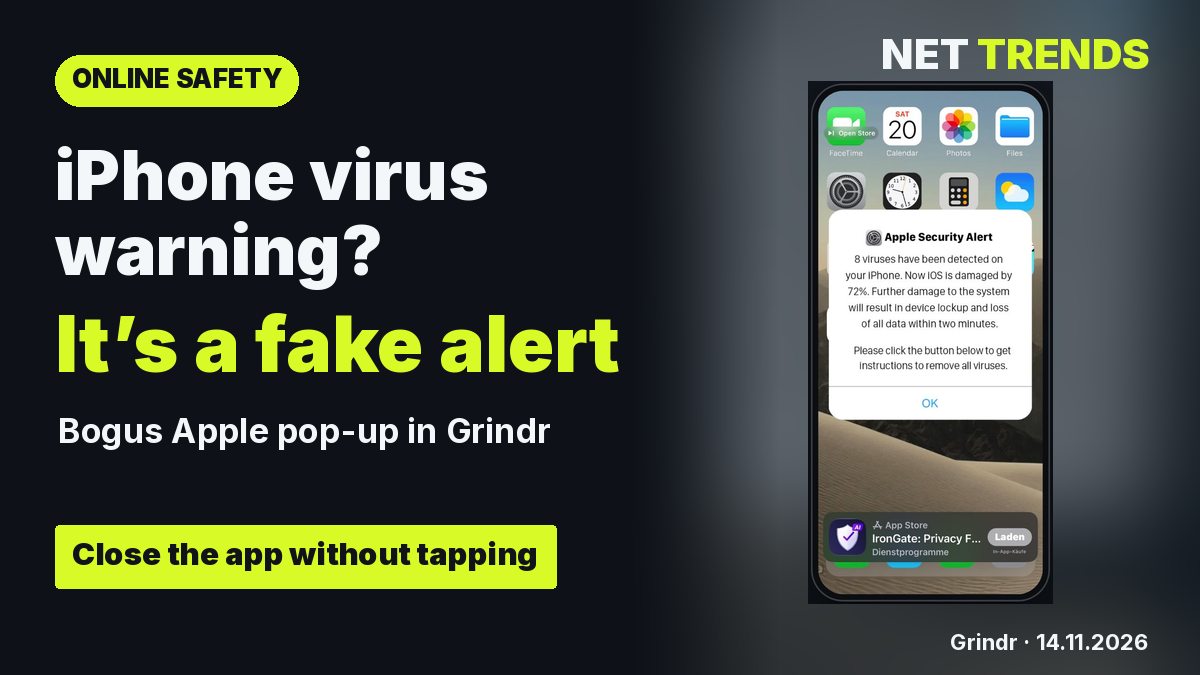
On 14 November 2026, readers of the German edition of Net Trends sent screenshots of fake Apple security alerts inside Grindr on iPhone. One claimed it had found eight viruses and displayed a countdown. The prompt led to an App Store listing with in-app purchases.
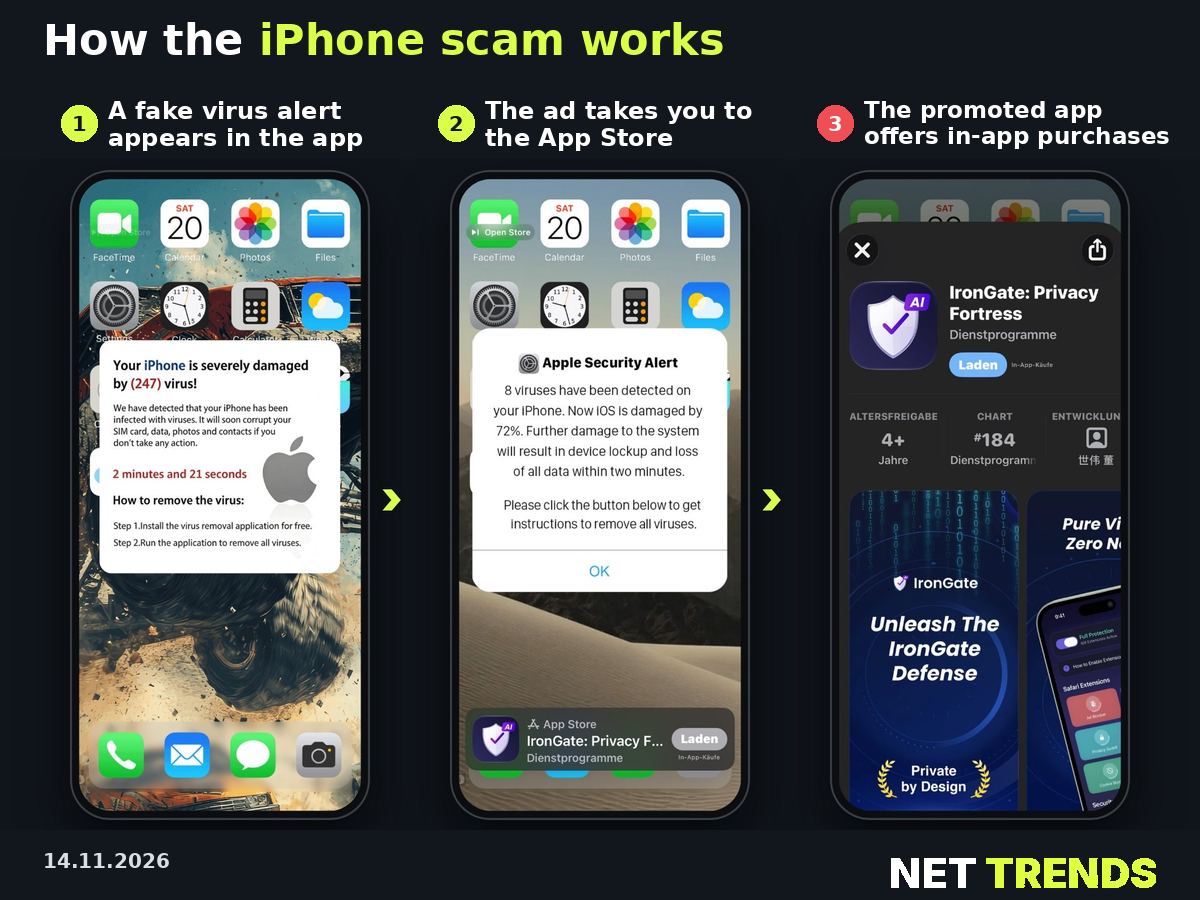
How an alert reaches Grindr
Grindr’s free tier carries adverts from partners. A misleading advert can appear in an ordinary advertising slot. The screenshots do not identify the ad network that served it. The message itself provides no evidence of an infection.
What to do
Close Grindr without tapping the pop-up. Avoid installing the advertised app, calling any number displayed or entering personal details. If you entered your password, change it directly through Apple. If you paid, contact your bank or card provider. Send Grindr support a screenshot and the time of the incident.
Apple’s support guidance for Ireland also covers misleading security pop-ups.
Net Trends · Grindr · Apple Support · Grindr Help Center
Transparency note: AI-assisted tools were used in researching, structuring and writing this article. The sources used are listed in the article. Publication takes place only after manual editorial approval.
Share this article


Comment Tell us what you think →