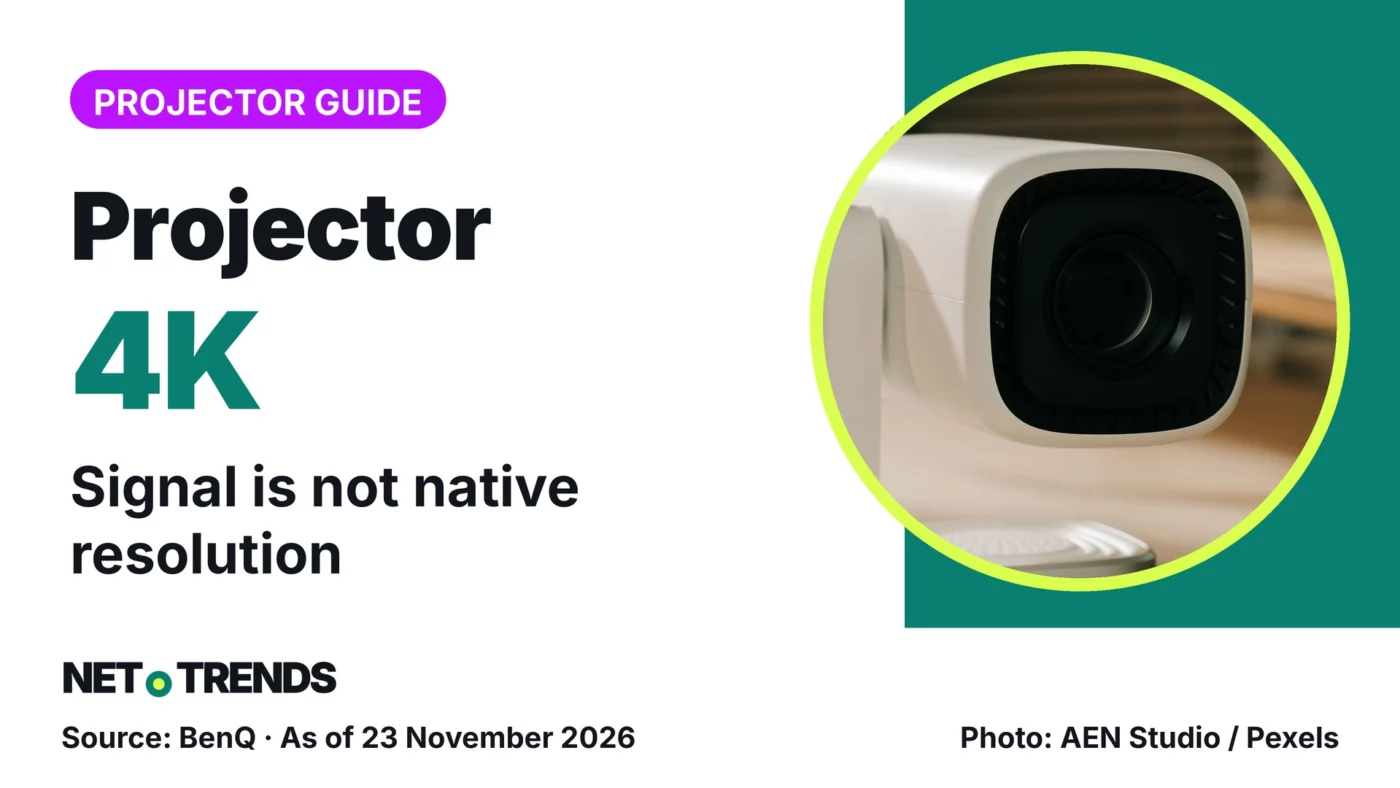
Ahead of Black Friday, check whether a projector only accepts a 4K signal or actually creates a 4K image.
A projector can accept a 4K signal and still have a lower native resolution. The input figure alone does not tell you how sharp the projected picture will be.
When comparing deals during Black Friday week, look at two separate lines on the spec sheet. BenQ’s UK listing for the LU960ST is a clear example: it gives the resolution as WUXGA (1,920 × 1,200 pixels), while resolution support runs up to 4K UHD (3,840 × 2,160). Both figures describe the same projector, but they answer different questions.
The seasonal trigger is the current wave of Black Friday promotions for projectors. Epson’s UK Black Friday page says its offer runs until midnight on 1 December 2026. This article explains technical terms; nothing in the promotion says anything about the resolution or quality of a particular deal.
A 4K input describes compatibility
“Resolution support” tells you which signals the projector can process. “Resolution” or “native resolution” describes the imaging hardware. For the BenQ model above, support for a UHD signal does not mean it shows a native UHD image. That is a distinction in the spec sheet, not a fault.
When you connect a source, the permitted combination of resolution and refresh rate also matters. BenQ’s support page points to the signal table in the user manual for this. On some models the HDMI setting for detecting the connected device can also be relevant. A setting for 4K input signals does not change the native resolution stated on the spec sheet. A cable can cause problems too, as our piece on active HDMI cables and signal direction explains.
Pixel shifting is a separate case
Some projectors shift pixels rapidly to place them in offset positions. This is more than simply accepting a higher-resolution signal. Texas Instruments describes its XPR technology like this: a UHD frame is split into four sub-frames that appear one after another at offset positions. According to the chip maker, this produces 8.3 million pixels on screen.
So with this technique, a lower pixel count on the chip does not automatically mean the screen only shows that many positions. Equally, “4K compatible” on its own does not prove pixel shifting. What counts is how the manufacturer describes that specific model. The chip maker’s explanation is not an independent picture-quality test.
Check the model number and the manual together
Look up the exact model number, the native resolution and the table of supported input signals for your projector. If pixel shifting is mentioned, also read how the manufacturer describes the pixels on screen. If the details are unclear, ask the manufacturer to explain the difference rather than relying on a 4K logo on the box.
Your view: Does your projector’s documentation clearly separate input signal and native resolution? Share your experience in the comments.
Sources and date
- BenQ UK: LU960ST specifications (manufacturer data, accessed 23.11.2026)
- BenQ: Projector is on but there is no image (support article, 26.02.2025)
- Texas Instruments: 4K UHD projection and pixel shifting, SBAA714 (technical manufacturer information, August 2025)
- Epson UK: Black Friday offer terms (seasonal trigger, offer ends 01.12.2026, accessed 23.11.2026)
As of: 23.11.2026
Transparency note: AI-assisted tools were used in researching, structuring and writing this article. The sources used are listed in the article. Publication takes place only after manual editorial approval.
Share this article